Wedding Invitation Video Trends for 2026
Cinematic couple films, animated royal suites, WhatsApp-first vertical video: what is actually working in invitation videos this year.
The short version
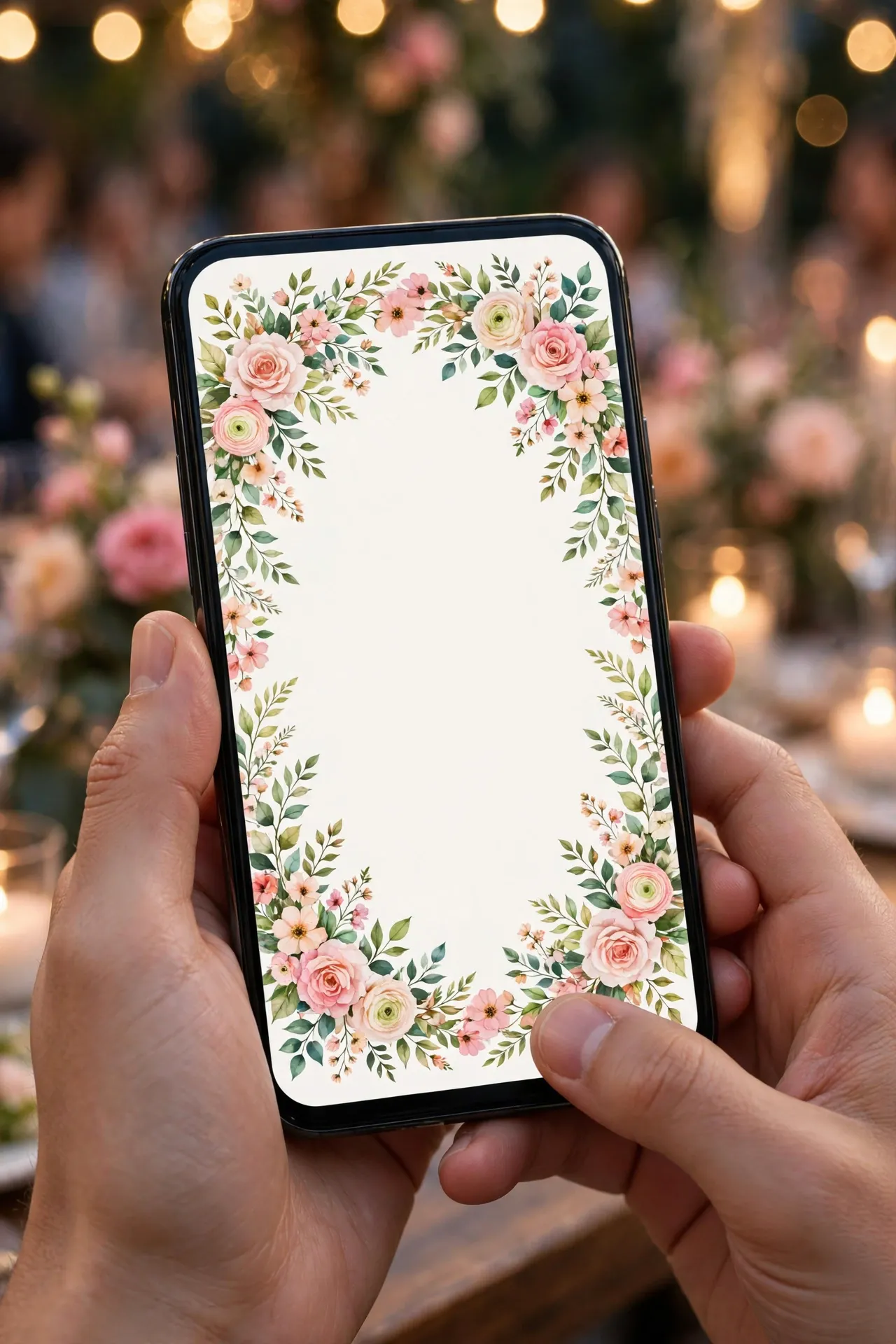
The invitation video has grown up. What used to be a slideshow of photos with music is now a small film, and couples are putting real thought into it. The short version of what changed this year is this: vertical first, shorter and sharper, names and date in the first twenty seconds, real footage where it exists, animated grandeur where it does not, and music chosen for the occasion.
Guests watch these videos on their phones, mostly inside WhatsApp. The trends below are the ones guests actually watch, share, and remember.
Vertical first, always
The phone native opening
The video opens with the couple's names large on a plain, high contrast background, then the date, then one image. It suits every wedding, because it respects how guests actually watch, so test it on your own phone in sunlight before you send it.
The full screen portrait film
A short film shot in portrait from the first frame, with the couple walking, laughing, or standing in a place that means something to them. It suits couples who have good footage and a location they love, so shoot portrait on purpose, not as a crop of a landscape shoot.
The animated royal suite
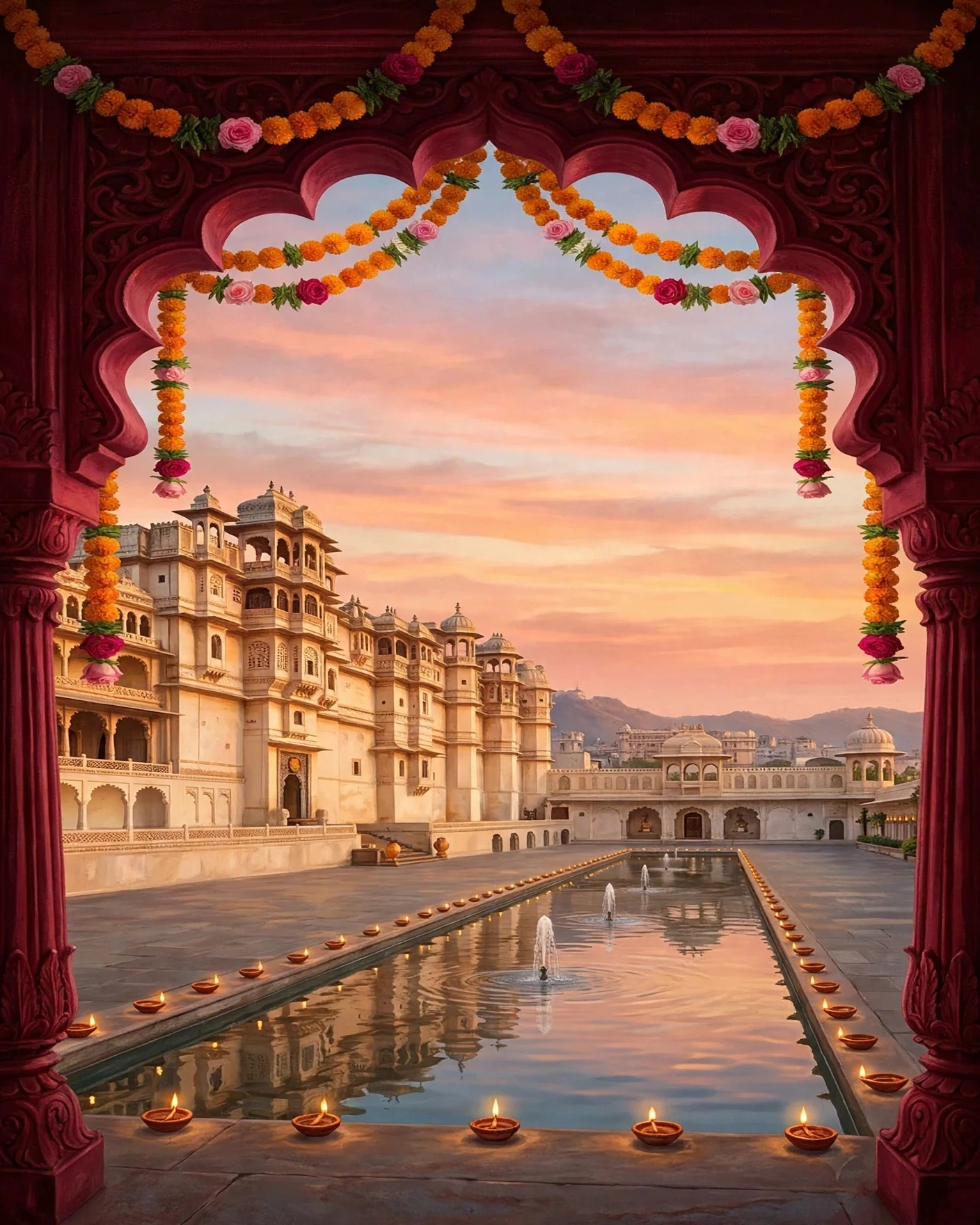
Fully animated invitation videos in royal Indian aesthetics: palace motifs, marigold and gold palettes, animated mandalas and paisleys, with the couple's names in rich typography. It suits families who want grandeur without a shoot, so keep the animation slow and calm, because fast spinning mandalas look busy on a small screen.

Shorter, sharper, and watched to the end
The 60 to 90 second sweet spot
The videos that get watched to the end and forwarded are usually 60 to 90 seconds, with the key details, names, date, and venue, appearing in the first 20 seconds and again at the end. It suits every wedding, because it fits the way people watch on WhatsApp, so save the long version for the sangeet screen.
The save the date teaser
A 15 to 30 second teaser sent months earlier, with just the names, the date, and one strong image or animation. It suits weddings with many outstation guests, who need to block travel dates early, so send it as its own message, not buried inside a long family group chat.
The function cutdowns
A main wedding invite video, shorter cutdowns for the mehendi and sangeet, and a save the date teaser sent months earlier. It suits a full wedding week with many functions, and families who want each event to feel like its own occasion, so keep each cutdown short and shareable.
The details first edit
Names, date, and venue in the first twenty seconds, then the story, then the details again at the end. It suits a large guest list, where many guests will skim rather than watch carefully, so hold each detail on screen long enough to read it twice.
Real footage, honestly edited
Candid over posed
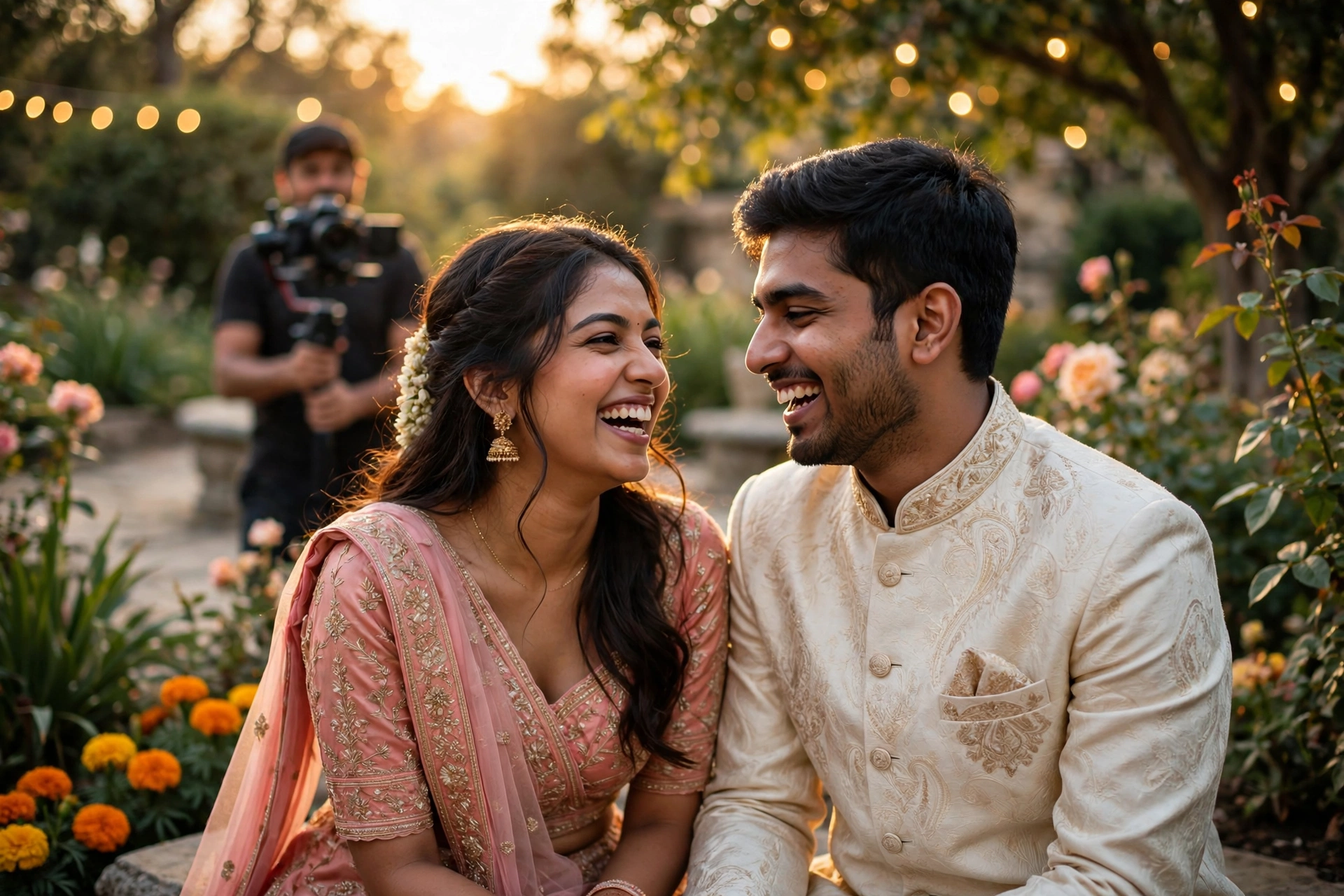
For couples who do shoot, the trend is away from stiff posed sequences and toward candid feeling footage: the couple laughing between takes, family moments, real locations that mean something. Guests can tell the difference between a performance and a memory, and they share the memories, so let the camera keep rolling between takes.
The place that matters
The couple filmed in a place that means something to them: the city they met in, the family home, a favourite garden or temple town. It suits couples with a story tied to a place, so shoot early in the morning or late in the afternoon, when the light is soft and the place looks its best.
Music, text, and the details guests notice
Themed music, not stock music
Generic background tracks are the fastest way to make a premium video feel cheap. The videos that feel special use music matched to the occasion and theme, so ask the maker where the music comes from and whether it is licensed for sharing.
Text that stays readable
The most common flaw in invitation videos is beautiful visuals with unreadable text: thin gold script over a bright sky, names that appear for two seconds, dates in tiny type. The rule is simple, every text element must be readable on a phone screen in sunlight, so test it outdoors before you send it.
The photo led montage, done slowly
A small number of good photos, each held long enough to enjoy, with slow movement rather than fast cuts. It suits couples with a few strong photos and no video footage, so pick six to ten photos you both like, and leave out the rest.
What to ask a video maker
Before you commission, ask four questions. What is the final length and format? Is the music original or licensed for sharing? How many revision rounds are included? And can I see it on a phone before final delivery? The answers tell you everything about whether you will get a video your guests actually watch.
Ask also about the vertical edit, and whether it is shot for portrait or cropped from landscape. Ask who owns the final files, and what happens if the date changes after the video is made.
Common mistakes
The first mistake is a horizontal video sent into a vertical world, watched with black bars and skipped. The second is hiding the details, because names, date, and venue buried in the middle of a long film will be missed by guests who watch only the first few seconds. The third is unreadable text, thin gold script over a bright sky, or a date that flashes past in two seconds.
The fourth mistake is stock music that could belong to any video, which makes a personal invitation feel generic. The fifth is a video that is too long. Keep it short, put the details first and last, and let the sangeet screen carry the long version.
Choosing your video: a checklist
- Decide on a portrait video for phones first
- Keep the opening under ten seconds before the names appear
- Put the date and city on screen, not only in the caption
- Check the file size works on WhatsApp
- Watch it once on a slow connection before sending
Frequently asked questions
How long should a wedding invitation video be?
Usually 60 to 90 seconds, with the names, date, and venue in the first 20 seconds and again at the end. A save the date teaser can be 15 to 30 seconds.
Should the video be vertical or horizontal?
Vertical, in 9:16, because guests watch it on their phones inside WhatsApp. A horizontal video gets watched with black bars and skipped faster.
Is an animated video as good as a real shoot?
For many families, yes, and for some it is better. An animated video needs no photography, no scheduling, and no shoot day. A real shoot is better when you have candid footage and a place that means something to you.
What music should we use?
Music matched to the occasion and the theme, and licensed for sharing. Festive and rhythmic for a baraat heavy invite, tender and warm for a family centred film. Ask the maker where the music comes from before you approve the video.
How do we know the text will be readable?
Watch the video on your own phone outdoors, in sunlight, before you send it. Every name, date, and venue line should be readable at a glance, with high contrast and enough hold time.
Related reading
See it on a real invite
Open any of these to see the full invite, then add your own names and preview it free.

Found this useful? Share it with someone planning a celebration.
Share