How to Create a Wedding Invitation Online
Create a wedding invitation online in one evening: pick a design, add your details and photos, preview it on your phone, and share one link.
The short answer
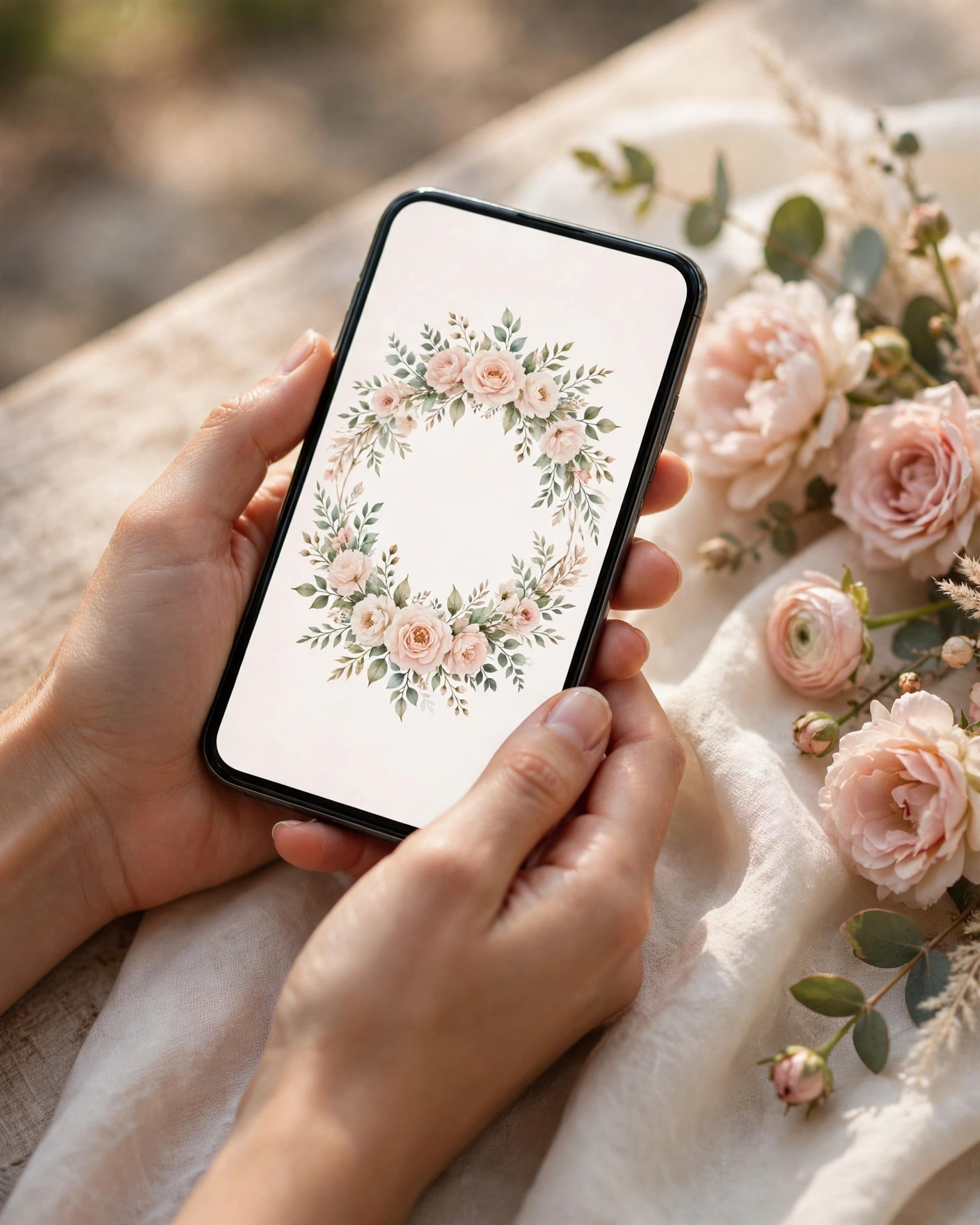
You need three things: your details, a few good photos, and one evening. Pick a design, add your names, dates and venues, preview it on your phone, then send one link to your guests. Most couples finish a first version in a couple of hours, then spend a day or two fixing small details after family has checked it.
An online invitation is a digital card or app that guests open on their phones. It holds everything a printed card holds, plus photos, a short film, a map, and an RSVP. Guests receive it as a link, usually on WhatsApp, and they can open it again whenever they need the details.
Gather your details first
Gather everything first.
Agree the final wording for names with both families. Write down every event with its date, start time and full venue address, in order. Collect the map link for each venue, and check that it points to the right gate. Note the dress code, and add travel notes for out of town guests.
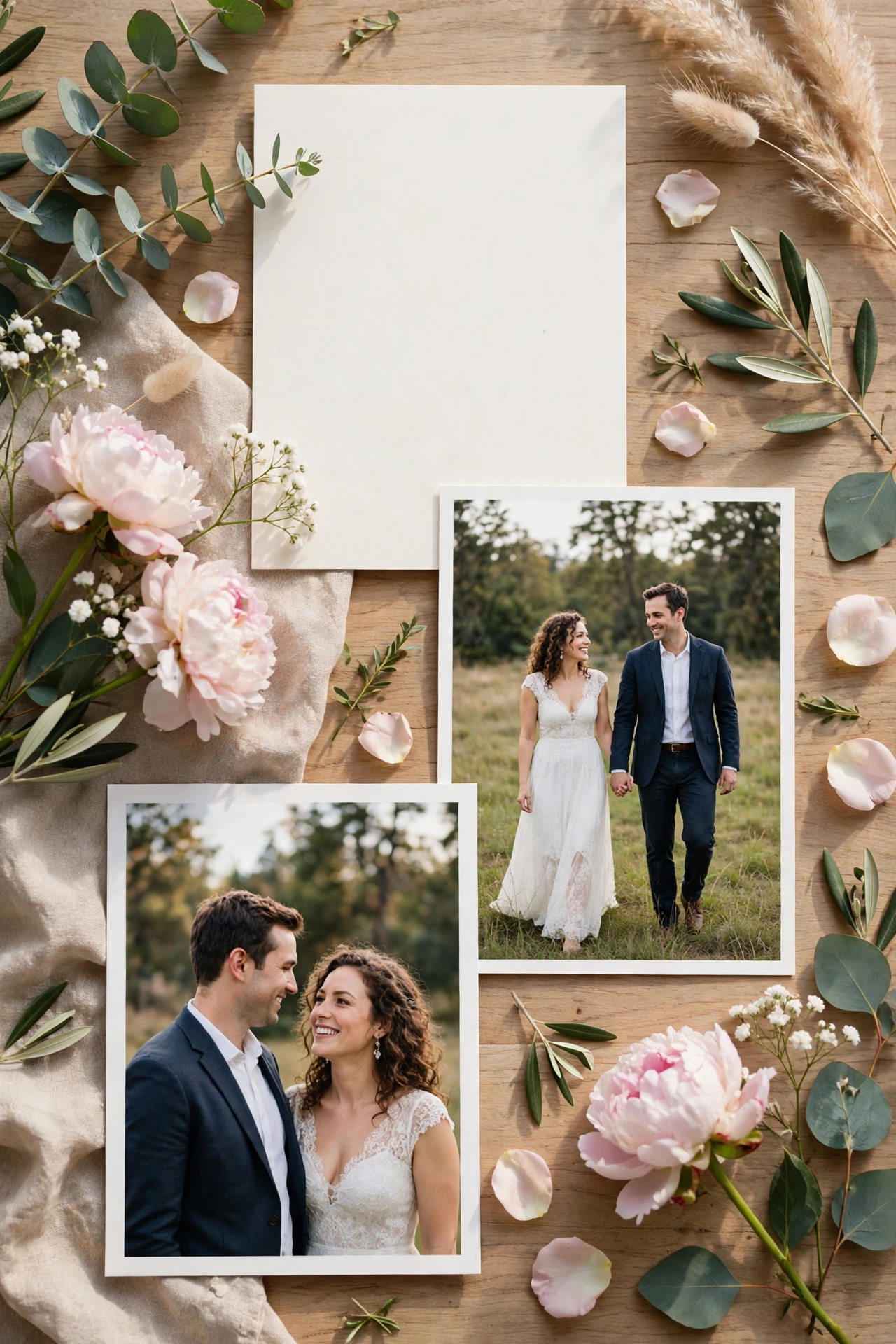
Choose six to ten photos where you both look relaxed: one good portrait, a few candid shots, and one or two with family. Leave out any photo where one of you is blinking or half hidden. Write a short paragraph about the two of you, two or three sentences about how you met or what you love doing together.
Pick the form, then the look
A Cinematic Invite leads with film and motion. An Invite App has many sections guests explore at their own pace, and suits a multi day wedding. An Invitation Suite is a simpler card style invitation, quick to make and easy to share.
On MyIndiAura, a Cinematic Invite is ₹499, an Invite App is ₹399, and an Invitation Suite is ₹99. Choose by what your invitation needs to do, not by price alone.
Choose one theme and trust it. It sets the colours, artwork and mood. Look at the opening screen first, because that is what every guest sees.
Add your wording, photos and music
Type your names, dates and venues exactly as agreed, and read each line back. Check every spelling, and check the date twice, once for the day and once for the number.
Write the wording the way you speak, warm and plain. Read each line aloud. If a line sounds stiff, rewrite it in simpler words. Short lines work best on a phone screen.
Add your photos with your best photo first, because many guests will only look at the first two or three. If your invitation has music, pick a song that means something to you, keep it gentle, and let guests turn it off easily. Add the RSVP in the same step: a name, a yes or no, and the number of guests coming. If older guests may struggle with a form, add a phone number they can call instead.
Check it on a phone, properly
Open the finished invitation on your own phone, not on a laptop. Check that the names are clear, the date is unmissable, and the venue is one tap away from a map. Look for text that is cut off or photos that load slowly.
Ask one person from each side of the family to open the link on their phone. Parents often spot a wrong spelling or a missing event. Fix what they find, then check again.
What one link can hold
One link can hold the whole wedding: a cinematic entrance, your story, each event with its timing and venue, a photo gallery, a dress code, travel notes, and an RSVP.
The real advantage is that you can change it. If a venue or timing changes, you update it once, and every guest who opens the link sees the corrected version. No reprinting, no apologetic follow up messages.
Send it in the right order
Send the link to parents and siblings first, and ask them to check names, dates and venues. Correct anything they find, then share with the wider family. Share with friends in smaller groups, with a short personal note. Send one reminder a week before the wedding, with the venue and start time written out in the message itself.
Here are lines you can copy into your WhatsApp message when you send the link.
- We are getting married, and we would love you to be there. Our invitation is here, with all the details.
- Please save the date and let us know if you can come. The venue and timings are in the invite.
- We cannot wait to celebrate with you. Do share this with the family group if we have missed anyone.
Before you start checklist
- Names of the couple, spelled exactly as they should appear
- Dates and timings for every event, confirmed by both families
- Venue names, full addresses, and map links for each event
- Six to ten photos you both like, checked on a phone screen
- A short paragraph about the couple, in plain words
- Dress code and travel notes for out of town guests
- An RSVP contact or form, with a phone number for elders
- One person from each family to proofread before you send
Common mistakes to avoid
The most common mistake is sending the invitation before the details are final. A date that moves after guests have saved it creates confusion no reminder can fix. Wait until the venues and timings are confirmed.
Another mistake is adding too much. Extra photos and wording make the invitation feel crowded, and guests stop reading before they reach the venue. Use your best photos only, and keep the wording short.
A third mistake is forgetting to test on a real phone. A design that looks fine on a laptop can have tiny text on a phone, and that is where almost every guest will open it. Do not skip the family check. A ten minute check by a parent can save a week of corrections.
Step by step
- Choose the invite style: a cinematic video, an invite app, or a card.
- Pick a design that matches your wedding colours.
- Add the couple's names exactly as they should appear.
- Add every function with its date, time, venue and map.
- Write the wording, in one or two languages.
- Turn on RSVP and choose what to ask guests.
- Preview the invite on your own phone.
- Share the link with family first, then everyone else.
Frequently asked questions
How long does it take to create a wedding invitation online?
Most couples finish a first version in a couple of hours once the details are ready. Allow a day or two after that for family checks and small fixes.
Do I need design skills to make one?
No. You pick a theme, type in your details, and upload your photos. The layout, colours and type are already set by the theme.
Can I change the invitation after I have sent it?
Yes. Update the detail once, and every guest who opens the link sees the corrected version. Tell guests about important changes in a short message too.
Will older guests be able to open it?
Most older guests open a link on WhatsApp without trouble, especially if the first screen is clear and the text is large enough to read. Write the date, time and venue in the WhatsApp message itself as well.
Is an online invitation enough on its own?
For many weddings, yes. Families who want a printed keepsake often send a small number of printed cards to elders, and send the online invitation to everyone else.
Related reading
See it on a real invite
Open any of these to see the full invite, then add your own names and preview it free.



Found this useful? Share it with someone planning a celebration.
Share