How to Make a Personalised Wedding Invitation Video
Make a video that could only be yours: one story idea, your photos, your words, and your events, in a film under a minute.
One story idea, not a template with names swapped
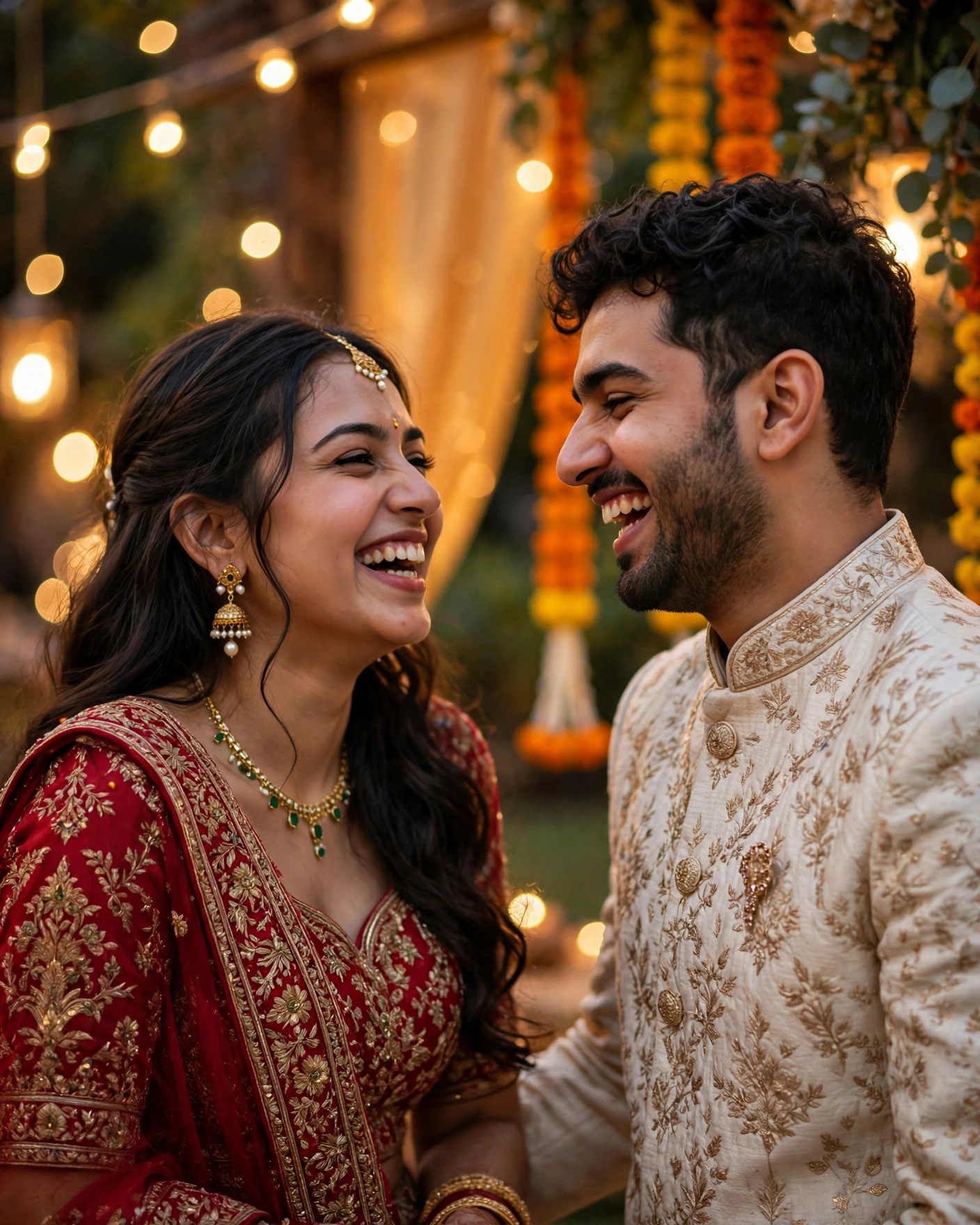
A personalised wedding invitation video is a short film built around a specific couple. It is not a generic template with names swapped in. It uses the couple's own photos, their own words, and their own event list, so guests feel they are being invited by people they know, not by a design. Most personalised videos are watched on phones and forwarded on WhatsApp, so they are designed for small screens, with large text and clear sound.
You make one by choosing one story idea, gathering your photos and event details, picking a theme that fits, and building the invitation around them. Personalisation comes from specifics: your first meeting, your favourite song, your family's welcome, and the exact events your guests will attend. Keep it under a minute, and end with the date and venue on screen.
Gather everything before you build
- The couple's names and the wedding date, confirmed by both families.
- The event list with dates, timings, and venues, in final order.
- Ten to fifteen photos that tell your story, from meeting to proposal.
- One or two personal lines in your own words, short enough to read on a phone.
- A music preference, or a song with meaning for you, if you want music at all.
- A welcome line from family, if you want one at the opening.
Gathering first saves the most common frustration: building half a video, then discovering a date is wrong or a photo is missing.
Eight ways to make it personal
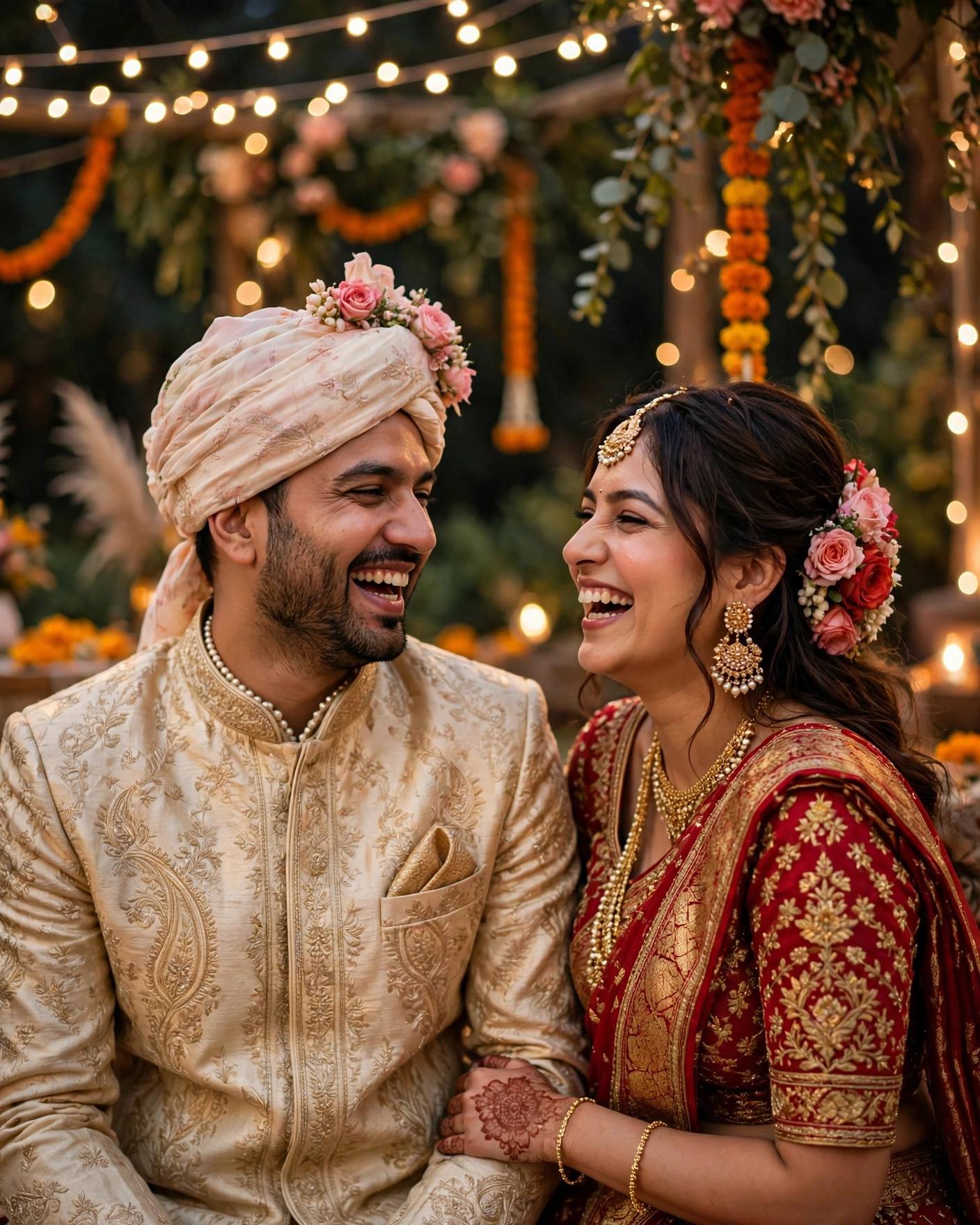
Your story in photos
Favourite photos in sequence, from meeting to proposal, with short captions. Suits couples with a long story and good photographs. Tip: use photos where you look like yourselves, laughing or relaxed, not only posed portraits.
A family welcome
Parents or siblings welcome guests on screen, then the couple appears with the date. Suits families who are the heart of the wedding. Tip: keep the welcome to one line each, since guests came for the couple, not for a speech.
Your events as scenes
Each event gets its own short visual moment, in order, ending on the wedding. Suits multi day weddings where guests need to understand the week. Tip: give each event the same length on screen, so no event feels more important than the others by accident.
Your words on screen
A line the couple wrote themselves, shown at the opening or the close. Suits couples who write well and want the video to sound like them. Tip: one line is enough. Two lines compete, and three lines get skipped.
Your music
A song that means something to the couple, rather than a generic track. Suits couples with a song that is already theirs. Tip: check the song plays well on a phone speaker, since most guests will not use headphones.
A place that matters
The city where you met, the college, the cafe, or the street, woven into the opening. Suits couples whose story belongs to a place. Tip: one establishing shot is enough. The video is an invitation, not a travel film.
A ritual, shown simply
One ceremony, such as the pheras or the varmala, shown in a few quiet frames. Suits traditional weddings where the ritual is the emotional centre. Tip: show the ritual, do not explain it. Guests who know it will feel it, and guests who do not will ask.
A question guests answer
A playful question on screen, such as "Will you be there?", answered by the date and venue. Suits young crowds and WhatsApp sharing. Tip: keep the question to one screen, so the answer lands before guests scroll away.
Specifics beat decoration
Specifics are what make a video personal, so be brave about them. A line like "We met at a college fest in Delhi" beats "Two hearts became one". Use photos where you look like yourselves, laughing or relaxed, not only posed portraits. Keep text short on every frame, because guests read on phones and long sentences get skipped. And do not personalise everything: pick two or three personal touches and let the theme do the rest. A video with twenty personal details feels cluttered, while a video with three strong ones feels unmistakably yours.
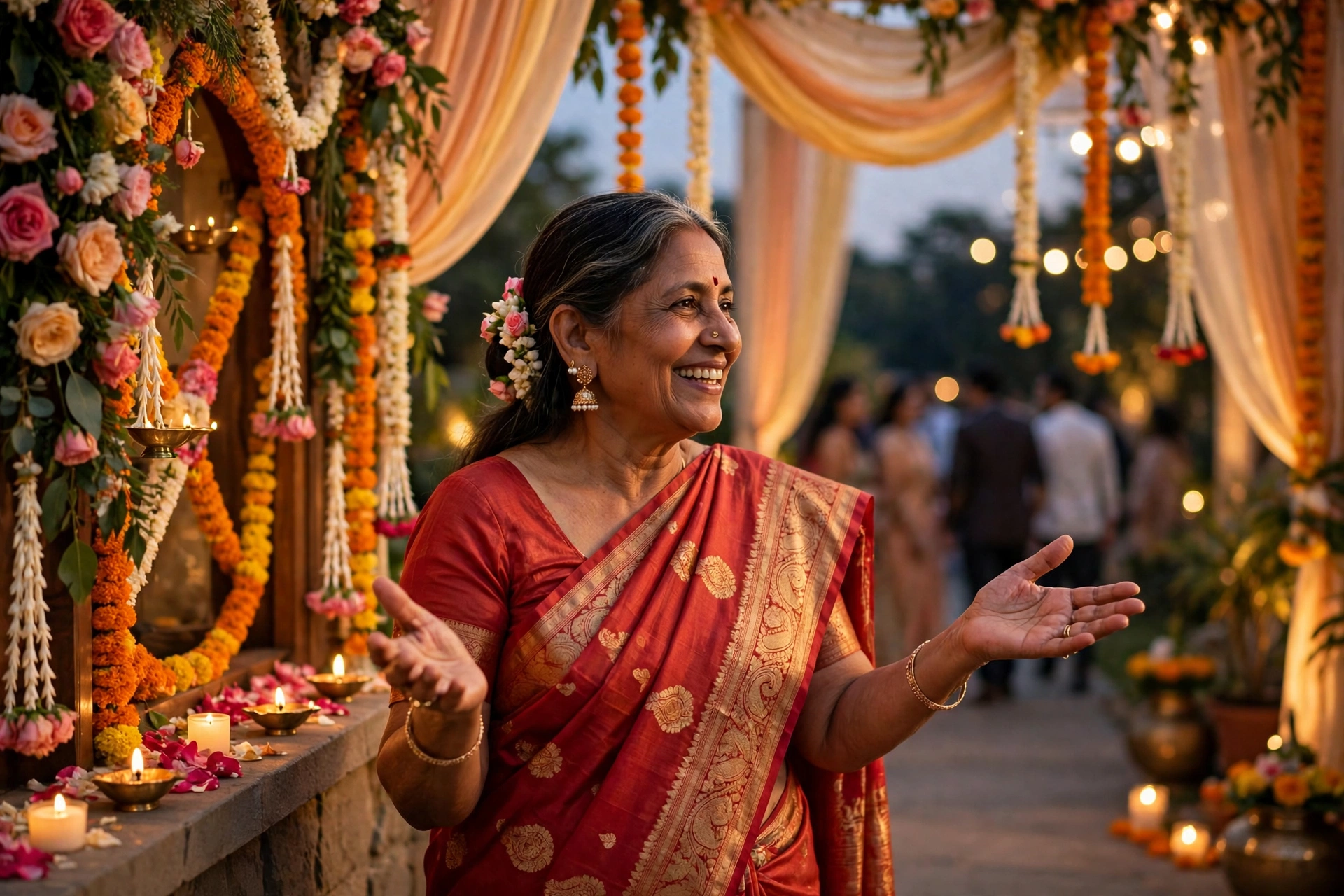
Watch it like a guest, then share it
Build a first version and watch it with your partner, on a phone, on mobile data. Show it to both families, and confirm every name, date, and spelling. Adjust the personal touches based on what they loved most, then share the finished invitation with close family first, and with friends and wider circles after, with a reminder before the wedding.
A MyIndiAura cinematic invite is built for this: it can open with an entrance sequence in your theme, then move through your story, your photos, and each of your events, and because the invitation lives as a link, you can refine it after family feedback and every guest sees the latest version.
Before you share
- Every name, date, and spelling confirmed by both families
- The video watched on a phone, on mobile data, from start to finish
- Text readable on every frame, with no sentence cut off
- The date and venue on screen at the end, large and clear
- Music checked on a phone speaker, not only on headphones
- Close family shown the video first, before the wider circle
Mistakes that make a video feel generic
The first mistake is personalising nothing. A template with names swapped in is not a personalised video, and guests can tell in five seconds. The second mistake is personalising everything. Twenty personal details in sixty seconds is noise, not warmth. The third mistake is skipping the phone test. A video that looks beautiful on a laptop and unreadable on a phone has failed at its only job.
Frequently asked questions
How long should a personalised invitation video be?
Under a minute. Thirty to fifty seconds is the sweet spot. Guests watch short videos to the end and forward them. A two minute video gets closed halfway, and the date at the end is never seen.
What makes a video personal rather than generic?
Specifics only you could have: your photos, your words, your story, your song, your events. A template becomes personal the moment it carries details no other couple could claim.
Do we need professional photos for the video?
No. Good phone photos where you look happy beat stiff professional portraits. Pick photos that show your story, and make sure they are sharp on a phone screen. Ten strong photos beat thirty average ones.
Should the video include all our events?
Yes, briefly. Each event gets a short moment, in order, ending on the wedding. Guests need the shape of the week, and a video that shows only the wedding leaves them guessing about the rest.
Can we update the video after sharing it?
On MyIndiAura, yes. The invitation lives as a link, so you can refine details after family feedback and every guest sees the latest version. A printed card cannot do that, which is why the link matters.
Related reading
- Best Wedding Invitation Video Ideas for Indian Weddings
- Wedding Invitation Video Trends for 2026
- How to Create a Wedding Invitation Online
Create your wedding invitation on MyIndiAura, and make a video that could only be yours.
See it on a real invite
Open any of these to see the full invite, then add your own names and preview it free.


Found this useful? Share it with someone planning a celebration.
Share