How to Invite Friends to Your Wedding on WhatsApp
WhatsApp is where friends actually read invites. Send personally, not in a group, with the link, the date, and one warm line, and track replies yourself.
Personal first, group second
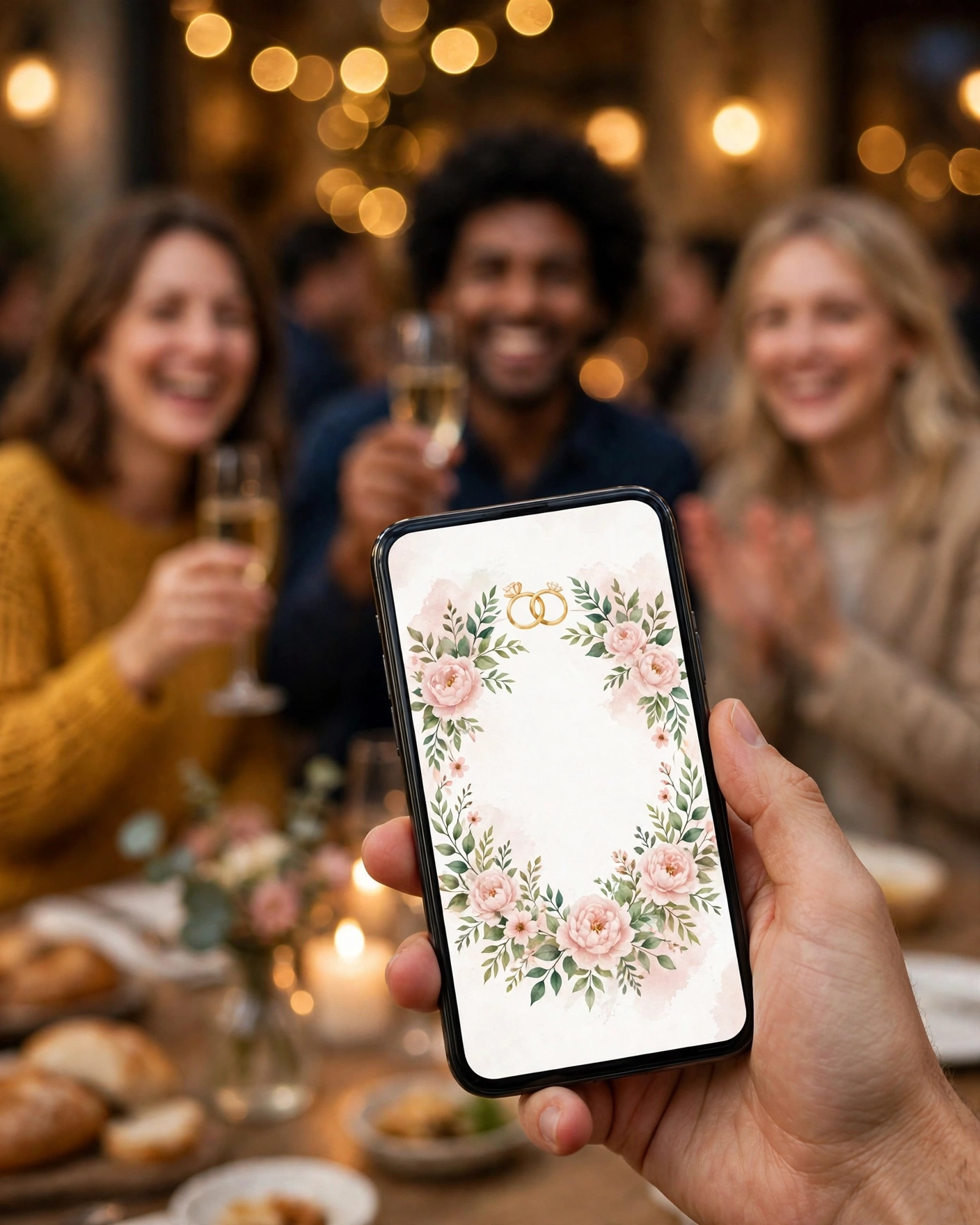
A WhatsApp wedding invitation is a personal message carrying your digital invite link, sent to friends on the app they already use daily. It usually opens with a personal line, gives the wedding date and city, and links to the full invite with events, venues, photos, and RSVP.
WhatsApp works for friends because it is informal and immediate. Friends reply fast, ask questions freely, and share excitement in the chat. It works less well for elders and formal family, who often prefer a call or a printed card. Match the channel to the guest, and WhatsApp becomes a strength rather than a shortcut.
Messages you can copy
Personalise the first line, even if the rest is shared. A friend's name and one reference to your friendship turn a forward into an invitation. Friends can tell instantly whether a message was written for them or blasted to a list, and they reply accordingly.
- Hi [Name]! [Bride] and [Groom] are getting married on [Date] in [City], and we would love you there. All the details are here: [link]
- [Name], guess what, we are getting married! [Date], [City]. Come celebrate with us, here is the invite: [link]
- Hey [Name], it is happening! Our wedding is on [Date] in [City]. Would love you to be there. Invite: [link]
- [Name], you have been there for everything, so you have to be there for this too. [Bride] weds [Groom], [Date], [City]: [link]
- Save the date, [Name]! [Date] in [City]. We are getting married, and the invite is here: [link]
- [Name], [Date] is the day. [City]. Bring your dancing shoes, the sangeet is going to be loud. Invite: [link]
Never send the link alone. A bare link looks like spam, and many friends will not tap it. One warm sentence before the link, and one practical sentence after it with date and city, is the minimum. If a friend has to ask what the link is, the message has failed.
For close friends, and for the wider circle
Close friends deserve a message only they could receive. Mention a memory, a joke, or a plan only the two of you share, and then give the date and the link. A close friend who gets a generic message feels like a contact, not a friend.
The wider circle can share a template, but still with their name at the top and one warm line. Send in small batches you can track, ten or fifteen at a time, rather than one long afternoon of copying and pasting. Small batches let you answer replies properly, and they keep you from sending the same message to the wrong name by mistake.

The sending order
- Message close friends personally first, with their names in the message and one line only they would understand.
- Message the wider friend circle next, in small batches, with the date, the city, and the invite link in every message.
- Share a group message only after personal invites have gone out, for excitement and coordination, never as the invitation itself.
- Post a story or status teaser before the invite, so friends are expecting it and the link does not arrive cold.
- Send a final week reminder with the map, the timings, and the dress code if any, to the friends who confirmed.
Keeping track of replies
WhatsApp has no RSVP system, so track replies in your own list. Note who said yes, who said maybe, and who has not replied, and update it daily in the last two weeks. A simple list on paper or in your notes app is enough. Do not rely on memory, and do not rely on scrolling back through chats.
Follow up once, politely, with friends who have not replied, two weeks before the wedding. A short "just checking you got the invite" is enough. Friends are busy, not rude, and one gentle nudge is all most of them need.

Before you send anything
- A friends list with correct phone numbers, checked against your contacts
- Your digital invite link, tested on your own phone first
- A short personal message template with room for each friend's name
- The wedding date and city in the message itself, not only inside the link
- A reply list ready, so yes and maybe land in one place
- Elders and formal family kept off WhatsApp, invited by call or card instead
Mistakes friends notice at once
The first mistake is the group invite. A friend who learns about your wedding from a group message feels like an audience member, not a guest. The second mistake is the bare link. No greeting, no date, no warmth, just a link. Friends ignore those, and then you spend a week wondering why nobody replied. The third mistake is sending everything at once. A hundred messages in one hour means a hundred replies in one hour, and you will answer none of them well.
Frequently asked questions
Should we invite friends on WhatsApp or with a printed card?
WhatsApp for friends, almost always. Friends read WhatsApp daily, reply fast, and share the excitement in chat. Save printed cards for elders and close family, who value paper and a personal call.
Is a group message enough for friends?
No. Message friends personally, one by one, and use a group message only afterwards, for excitement and coordination. A friend who gets only a group message can reasonably wonder whether they were really invited.
How early should we message friends?
Send a save the date three to six months before, and the full invite with the link six to eight weeks before. Friends need time to book travel and ask for leave, just like family does.
What if a friend does not reply?
Follow up once, politely, two weeks before the wedding. A short message asking if they got the invite is enough. If they still do not reply, assume they cannot come, and do not chase them again.
Can we send the invite link in our WhatsApp status?
Yes, as a teaser, but never as the invitation itself. A status reaches friends who follow you, but it does not tell any one friend that they are personally invited. Send the personal message first, and post the status after.
Related reading
- Funny Wedding Invitation Messages for Friends
- When Should You Send Wedding Invitations to Guests?
- Wedding Invitation Messages from the Bride and Groom
Create your wedding invitation on MyIndiAura, and send it to friends the way friends deserve to be asked.
See it on a real invite
Open any of these to see the full invite, then add your own names and preview it free.



Found this useful? Share it with someone planning a celebration.
Share