How to Create a Wedding Invitation Video with Music
How to create a wedding invitation video with music: pick a format, write a short script, choose a track, keep it readable on mute and share it on WhatsApp.
A video guests watch to the end
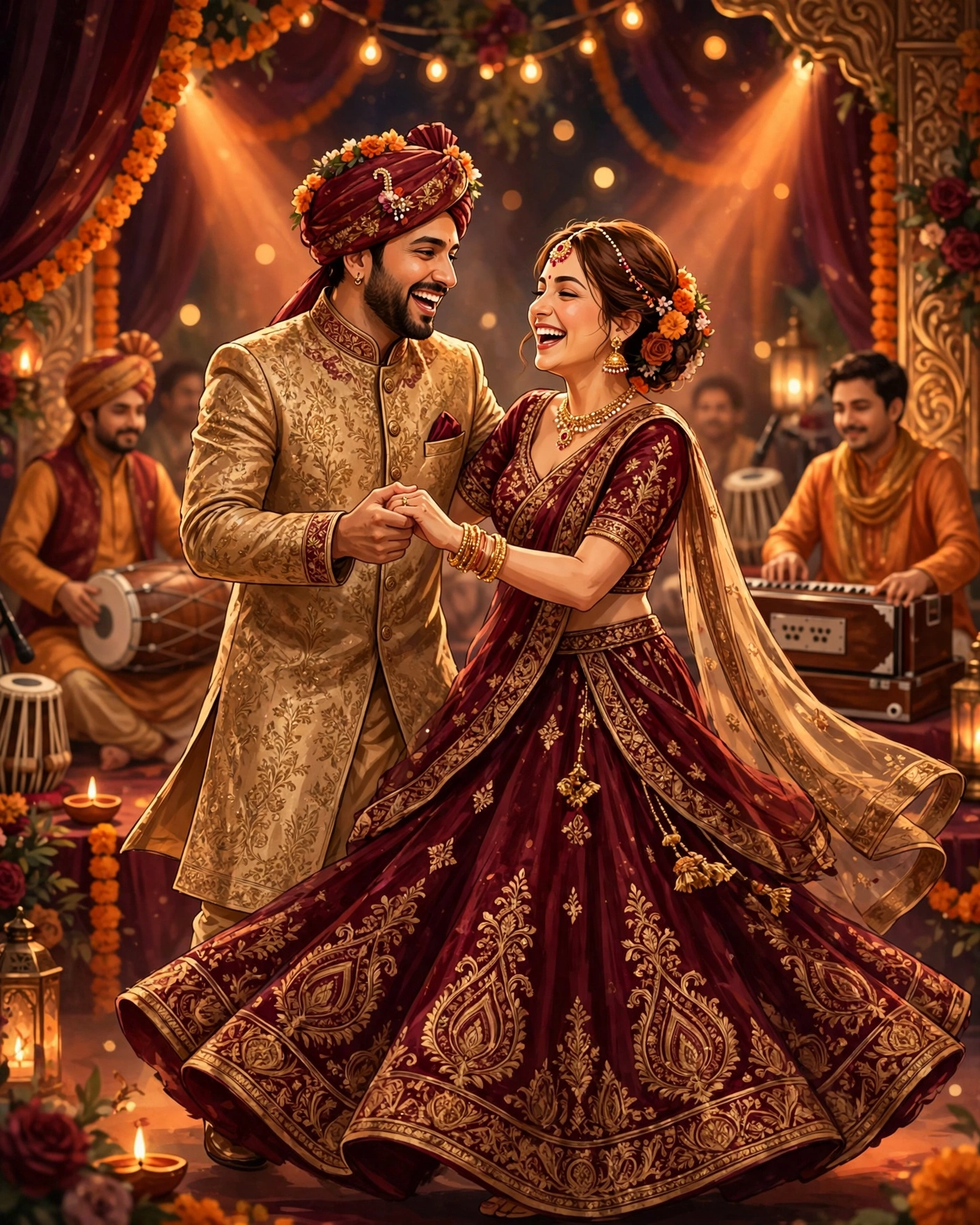
A wedding invitation video pairs your details with music and motion, so guests feel the celebration before they read a word.
The music should match the wedding's mood, and the video should stay short enough to watch fully on a phone.
A MyIndiAura cinematic invitation gives you that video without editing skills, ready to share on WhatsApp.
A wedding invitation video is the invitation guests actually watch to the end. Music, motion, and your own photos turn a card into a moment. This guide walks through creating one step by step, from choosing the music to sharing the finished video.
Four kinds of video invitation

Cinematic video invitation. The full video experience, with music, motion, and designed scenes. Best for couples who want the invitation itself to be a celebration. This is the MyIndiAura Cinematic Invite.
Photo slideshow with music. Photos set to a chosen track, with names and details overlaid. Best for couples with beautiful photos who want something personal and simple.
Animated card video. A designed card that animates open, with music underneath. Best for couples who love traditional card design but want the reach of video.
Short teaser plus full invitation. A fifteen second teaser for Instagram and stories, linking to the full invitation. Best for couples who want social buzz and a complete invitation, without cramming everything into one video.
For music, match the mood honestly. A classical or soft instrumental suits a traditional ceremony. A Bollywood romantic track suits a big family celebration. A light acoustic track suits an intimate wedding. Whatever you choose, make sure you have the right to use it in an invitation you will share widely. The safest route is a track provided by the invitation platform itself.
Keeping it short, musical, and readable on mute
Keep the video short. Forty five to sixty seconds is the sweet spot. Longer videos lose guests halfway, and the details at the end never get seen. Put the couple's names and the wedding date in the first ten seconds, so even a partial watch delivers the news.
Choose one music track and let it carry the whole video. Switching tracks midway feels choppy and amateur, however good each track is alone. The music should sit under the visuals, not fight them: guests should hear it clearly but still feel the images lead.
Check the video on a phone, with sound on and with sound off. Many guests will first watch on mute, in a public place, so the names and date must read clearly without audio too. If they do not, the video needs text on screen for those key facts.
A great invitation video makes guests feel the wedding before they know the venue, and that feeling is what gets them to come.
From first draft to shared video
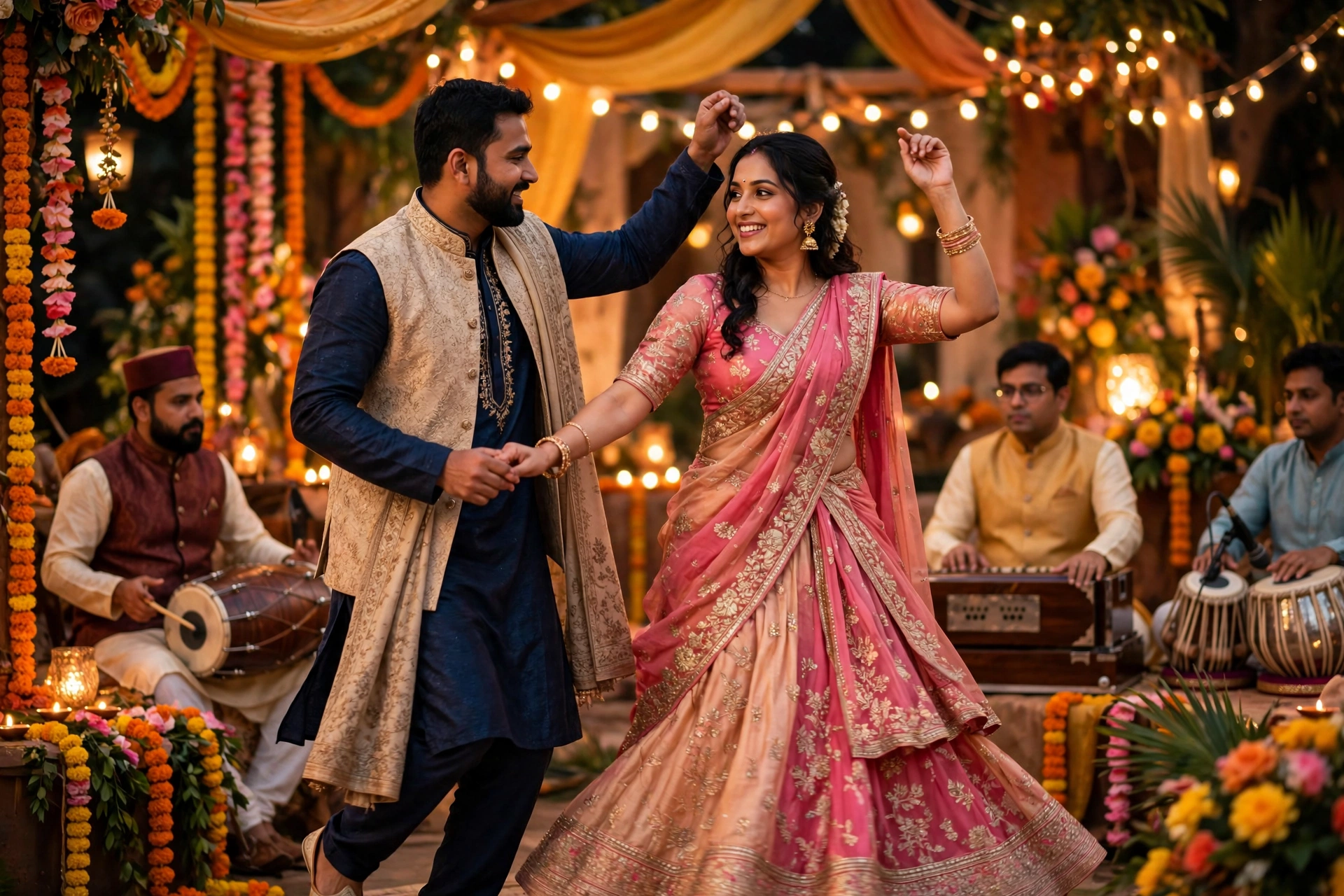
Browse the cinematic themes on MyIndiAura and pick one that matches your wedding's mood. Add your names, events, venues, and times, upload your photos, and choose the music mood you want. Preview the video on your phone, with sound on and with sound off, exactly as guests will see it, then share the link on WhatsApp.
Create your wedding invitation video with music on MyIndiAura, and send guests a video they will watch to the end.
Six video ideas to start from
Names on a slow reveal
The couple's names appear letter by letter over a soft background, then the date. Simple and elegant.
Event-by-event journey
Each function gets its own scene with colour and music matching the mood, from haldi yellow to reception gold.
Photo story
Four or five photographs from the couple's journey, each with a short caption, ending on the date.
Monument backdrop
The couple's city or wedding venue as the opening frame, with names rising into view.
Illustrated couple
A drawn version of the couple walking through each event, playful and personal.
Family welcome
Parents and grandparents' names appear first, inviting guests on behalf of the family.
The quick script
- Opening: a three-second hook, a door, a flower or the names.
- Couple: names and a one-line blessing.
- Events: one scene per event with date, time and place.
- Close: the RSVP line and a warm sign-off.
Before you share the video
- Every name and date is readable with the sound off
- The video is under a minute
- The music fades out gently at the end
- It plays smoothly after being sent on WhatsApp
Frequently asked questions
How long should a wedding invitation video be?
Thirty to sixty seconds. Long enough to feel special, short enough that guests watch it to the end.
What music works best?
Instrumental shehnai, sitar or soft piano versions of Bollywood songs suit most weddings.
Can I use a Bollywood song?
For private family sharing, many couples do. Remember the track can be muted or removed on some platforms.
Should the video include an RSVP?
Add a line saying how to reply, and share the RSVP link alongside the video.
Related reading
See it on a real invite
Open any of these to see the full invite, then add your own names and preview it free.


Found this useful? Share it with someone planning a celebration.
Share