Best Wedding Invitation Video Formats for WhatsApp
The best wedding invitation video formats for WhatsApp: vertical 9:16, MP4, size limits, frame rate, and how to keep names sharp after compression.
Surviving WhatsApp compression
A video format is the shape, length and file type of your invitation video. WhatsApp compresses videos when they are sent, which can soften detail and sound. A vertical video, the tall shape of a phone screen, fills the screen and needs no turning. A square video works in groups and feeds. A wide, sideways video looks grand on a television but small on a phone, and guests often skip it. The goal is a video that survives compression, opens fast, and still reads clearly on a small screen.
Vertical, square, or wide
The main choices are vertical, square and wide. Vertical suits a personal invitation sent in chat, because it fills the phone. Square suits group shares and status updates, where it sits neatly in a feed. Wide suits a big screen at a family gathering, but it is the weakest choice for WhatsApp chat. Length matters too. A short film under a minute is watched fully. A film over two minutes is often skimmed, and the venue details at the end are missed.
Designing for the smallest screen first
Design for the smallest screen first. Make names and dates large, and keep them on screen long enough to read twice. Put the most important detail, the wedding date, early, not only at the end. Use captions or clear visuals for the venue, because many guests watch with sound off first. Keep the background music gentle, so it adds warmth without hiding a spoken message.
If it does not play beautifully on one ordinary phone, it is not ready to send.
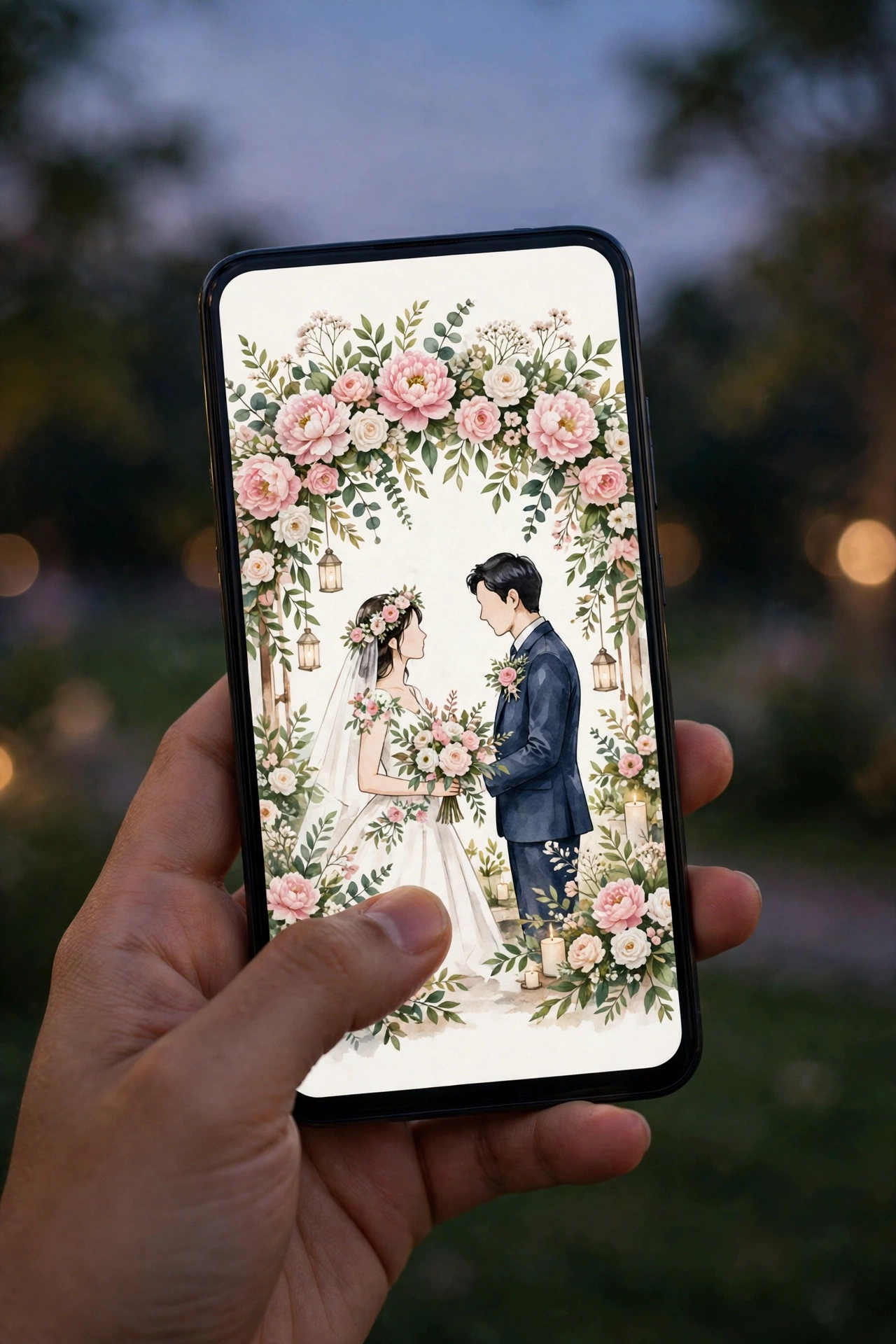
Sending and checking the finished video
Play the video on your own phone first, with sound on and sound off. Send it to one family member and ask if it opened clearly, then share it in personal chats first, then in groups. If a guest reports blur or no sound, send the link version instead, and send one reminder a week later, not a daily repeat.
Make the video on MyIndiAura in the vertical form your guests will watch on their phones, and check it on one ordinary phone before you send it.
Six format settings that survive WhatsApp
Vertical 9:16
Fills a phone screen and is how most guests will watch it.
MP4 with H.264
The most widely supported format across Android and iPhone.
1080 by 1920 pixels
Sharp enough on any phone, and WhatsApp will compress it anyway.
30 frames per second
Smooth motion without bloating the file.
Under 16 MB
Keeps the video sending as a video, not as a document.
Large text
Names at least as big as a WhatsApp message headline, so compression does not blur them.
Exporting for WhatsApp
- Export at 1080 by 1920, MP4, around 4 to 6 Mbps.
- Send it to yourself first and watch the compressed version.
- If text looks soft, enlarge it rather than raising quality.
- Share a link alongside the video for guests who want the full details.
Before you send
- The video plays from the chat without downloading forever
- Text is crisp after compression
- Music volume is gentle
- The file is under WhatsApp's video limit
Why a link travels better than a file
Every time a video is forwarded on WhatsApp it can be compressed again, so the copy your aunt's neighbour receives may be noticeably softer than the one you sent. A link does not degrade: each guest opens the original. Many couples now send a short teaser clip for the excitement, and a link underneath for the full invitation with events, maps and replies. That way the video does its emotional job, while the link carries the details that must stay accurate.
If you only send a file, keep a master copy at full quality on your own phone and in cloud storage. You will want it later for the wedding website, the photographer and the family album, and the compressed WhatsApp version is not good enough to reuse.
Frequently asked questions
What is the best video size for WhatsApp invitations?
Vertical 1080 by 1920 pixels, MP4, under 16 MB.
Why does my invitation video look blurry on WhatsApp?
WhatsApp compresses videos. Use larger text and simpler backgrounds so details survive.
Can I send a longer video?
Yes, but it may be sent as a document or heavily compressed. A link is better for long films.
Square or vertical?
Vertical is best for phones. Square works if you also plan to post on Instagram.
Related reading
See it on a real invite
Open any of these to see the full invite, then add your own names and preview it free.


Found this useful? Share it with someone planning a celebration.
Share