How to Share Wedding Invitations on WhatsApp
How to share wedding invitations on WhatsApp: who gets it first, the message to send with it, broadcast lists, groups, reminders and what elders need.
Why the order of sending matters
Sharing a wedding invitation on WhatsApp means sending a link or a video that guests can open on their phones, read, and save. It sounds simple, and it is, but the order matters. Guests who feel personally invited respond warmly. Guests who receive a mass forward with no name and no message often miss the details. This guide covers the practical steps, the message to send with the link, and how to handle groups, elders and guests abroad, so nobody is left guessing.
Four ways to share on WhatsApp
You can share in a few ways. A personal chat message feels warmest and is best for close family and friends. A small family group works well for cousins and relatives who share plans. A broadcast list sends a personal message to many people at once without forming a group, which keeps replies private. A status update can announce the wedding publicly, but it should never replace a personal invitation to a guest you expect to attend.
Sending it, step by step
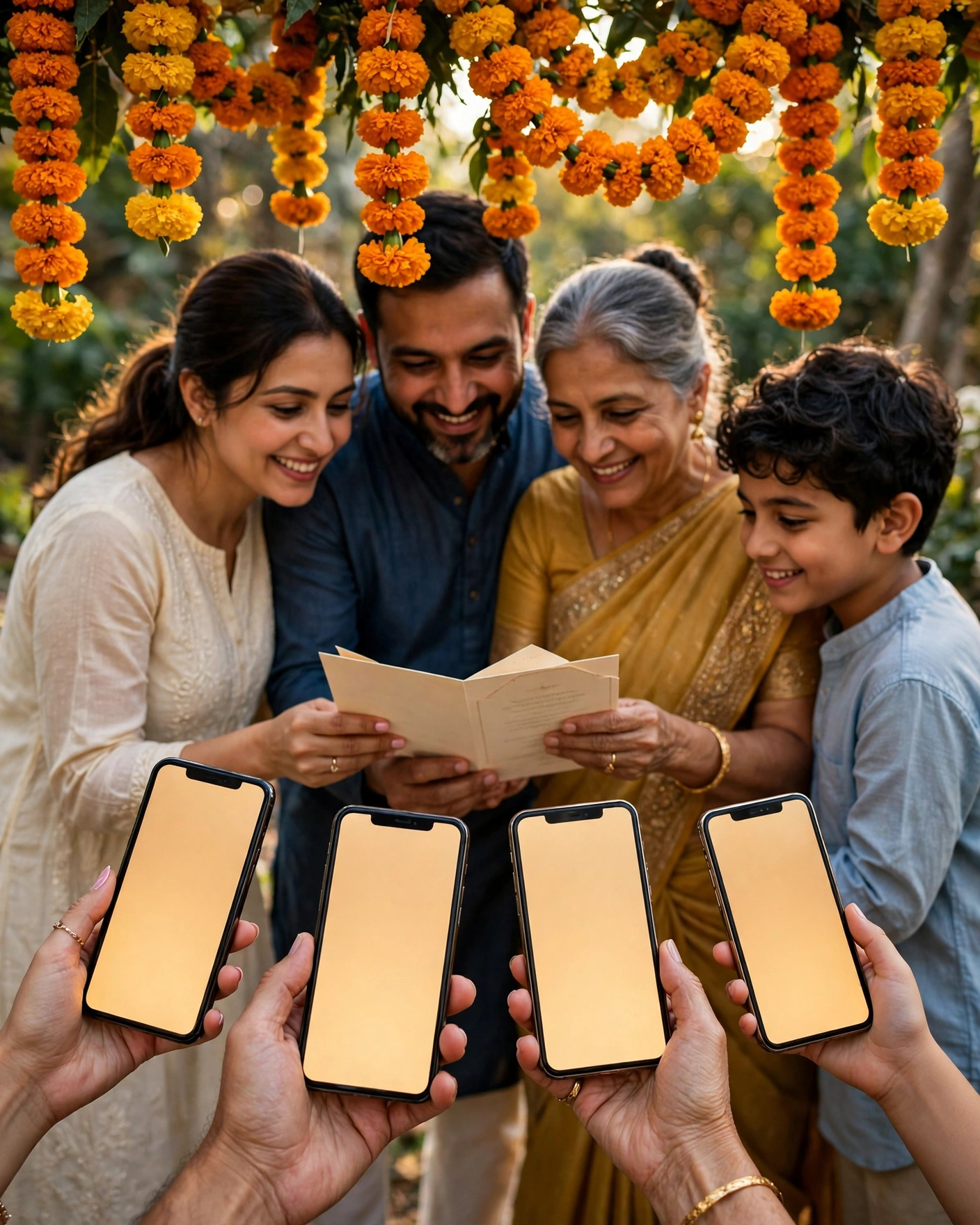
- Open the link yourself and confirm names, dates and venue are correct.
- Send to parents and siblings first, and ask them to check it too.
- Send personal messages to close guests, then use groups for wider circles.
- Wait a week, then send one gentle reminder to guests who have not replied.
- Keep a simple list of who has confirmed, so no one is chased twice.
Writing the message guests actually read
Write the message the way you would speak to that guest. Start with their name, say what you are sharing, and give the date in words. Keep it short, because a long message above a link often goes unread. Add one warm line about looking forward to seeing them. Avoid sending late at night, and avoid sending the same message to a group and then again personally, which feels like a duplicate invite.
An invitation sent personally is remembered. A forward is only noticed.
Open the link yourself first, confirm every name, date, and venue, and share your finished invitation on MyIndiAura personally, not as a mass forward.
Six WhatsApp sharing tips
Elders first, one by one
Send personally to grandparents and senior relatives, ideally after a call.
Use broadcast lists
A broadcast list sends a personal-looking message to each guest without creating a big group.
Pin it in the family group
Once shared, pin the invitation message so it stays at the top.
Send the link, not just a screenshot
A link carries every event and update; a screenshot carries only one moment.
Add a personal line
"Bhaiya, we would love you there" works better than a bare forward.
Mind the time of day
Send between ten in the morning and eight at night, not at midnight.
Before you hit send
- The link preview shows a picture and title
- Your message names the guest
- Elders have been called first
- You know who to remind later
The message that goes with the link
The text you send matters as much as the invitation. A bare link feels like a forward; a short personal line feels like an invitation. Try something like: "Namaste Mausi, we are so happy to share Riya and Arjun's wedding invite. Please bless them with your presence." For friends, keep it lighter: "It's happening! Here's the invite, block your dates." Write two or three versions for elders, relatives and friends, then personalise the name each time.
After sending, keep a simple list of who has seen the invitation and who has replied. WhatsApp's blue ticks help, but a short note on your phone makes reminders much easier later.
Finally, avoid sending the same invitation to the same group twice; one clear message, pinned, is better than repeated forwards.
Frequently asked questions
Is it okay to invite people on WhatsApp?
Yes, it is now the most common way in India, especially when paired with a personal call to elders.
Should I use a group or a broadcast list?
Broadcast lists feel personal and avoid noisy group chats. Groups work for close family planning.
How many reminders should I send?
One a week before and one the day before is plenty for most guests.
Why does my invitation link show no preview?
Some links need a moment to load the preview. Wait a few seconds after pasting before sending.
Related reading
See it on a real invite
Open any of these to see the full invite, then add your own names and preview it free.



Found this useful? Share it with someone planning a celebration.
Share