How to Make Cinematic Wedding Invitation Videos
How to make cinematic wedding invitation videos: one visual world, a filmed opening, slow camera moves, readable names and a share-ready file for WhatsApp.
A film, not a slideshow
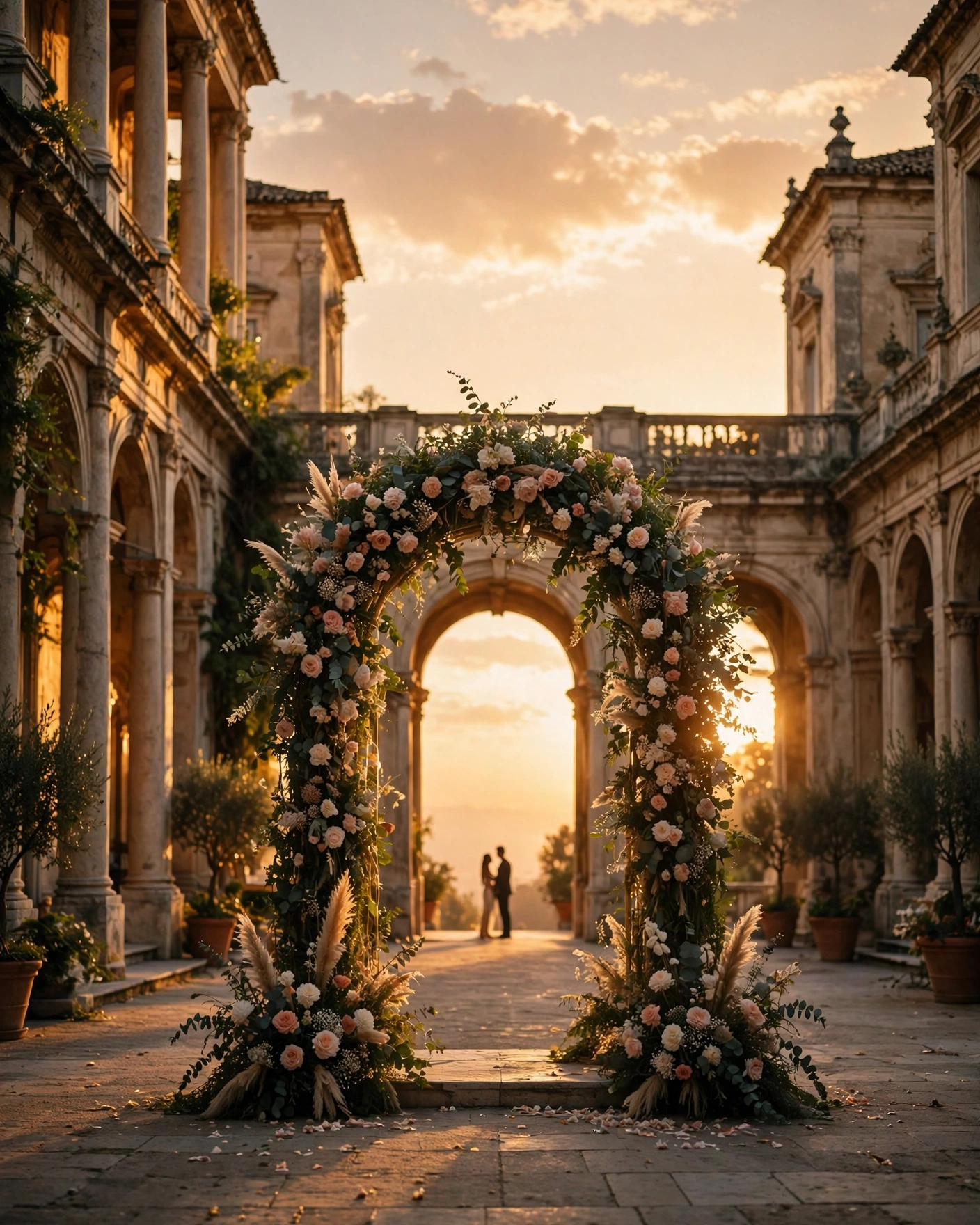
A cinematic wedding invitation video borrows the language of film. It opens on a place or an object that matters, a courtyard, a door, a pair of hands holding flowers. Then it introduces the couple, then the celebration, then the practical details. Unlike a slideshow of photos, it has a pace. Some moments are held a little longer. Some move quickly. The result feels like an invitation and a memory at once. This angle is different from a trends roundup, because it is a practical making guide, scene by scene, for your own film.
Three kinds of cinematic film
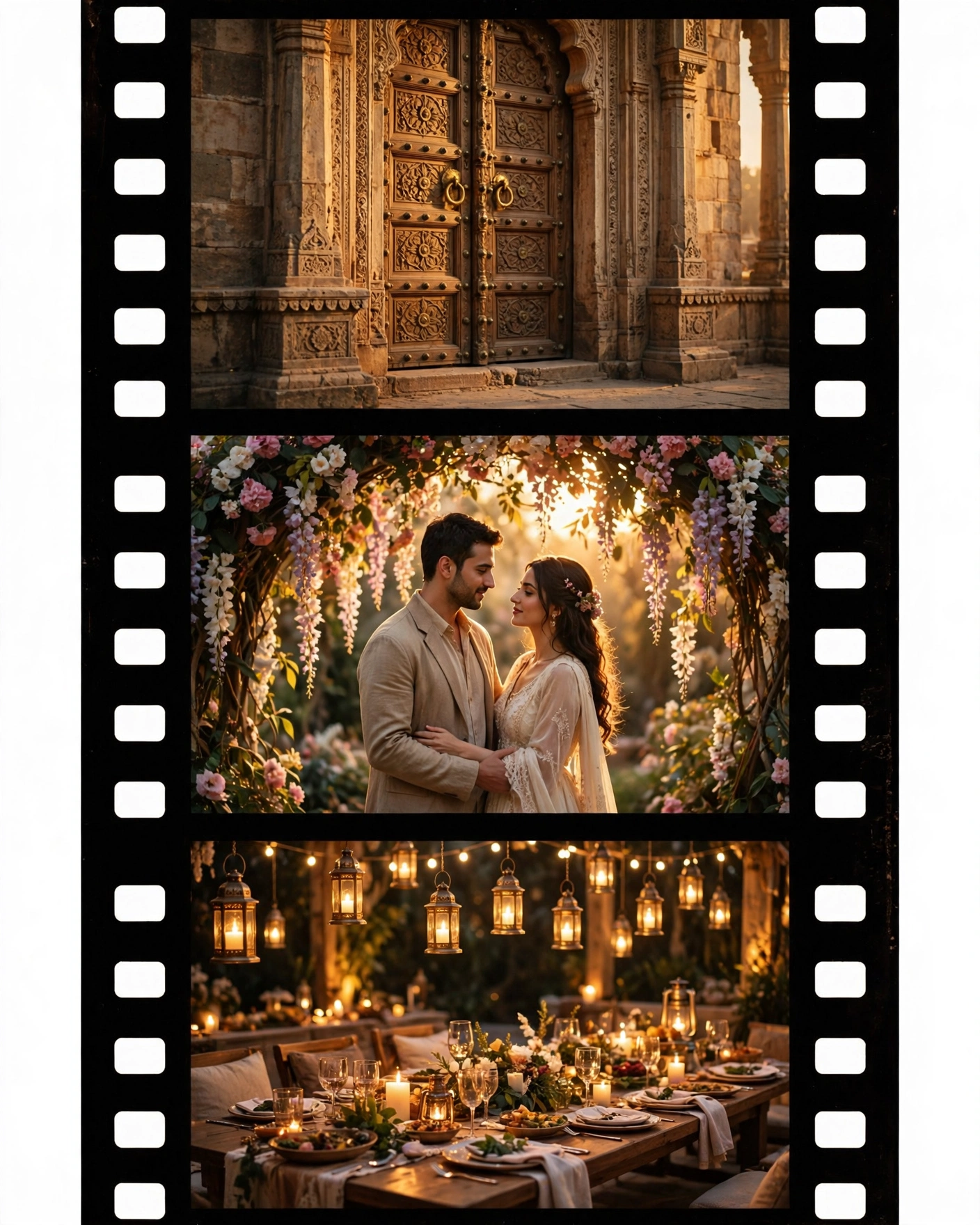
Cinematic invitations take a few forms. A story film follows the couple through a place, with scenes that feel connected. A montage film cuts between photos and short clips to music, and suits couples with many good pictures. A single shot film stays in one scene while the camera moves slowly, which feels intimate and unhurried. Pick the story film for a strong narrative, the montage for photo rich couples, and the single shot for a quiet, elegant mood.
Keeping one world across every scene
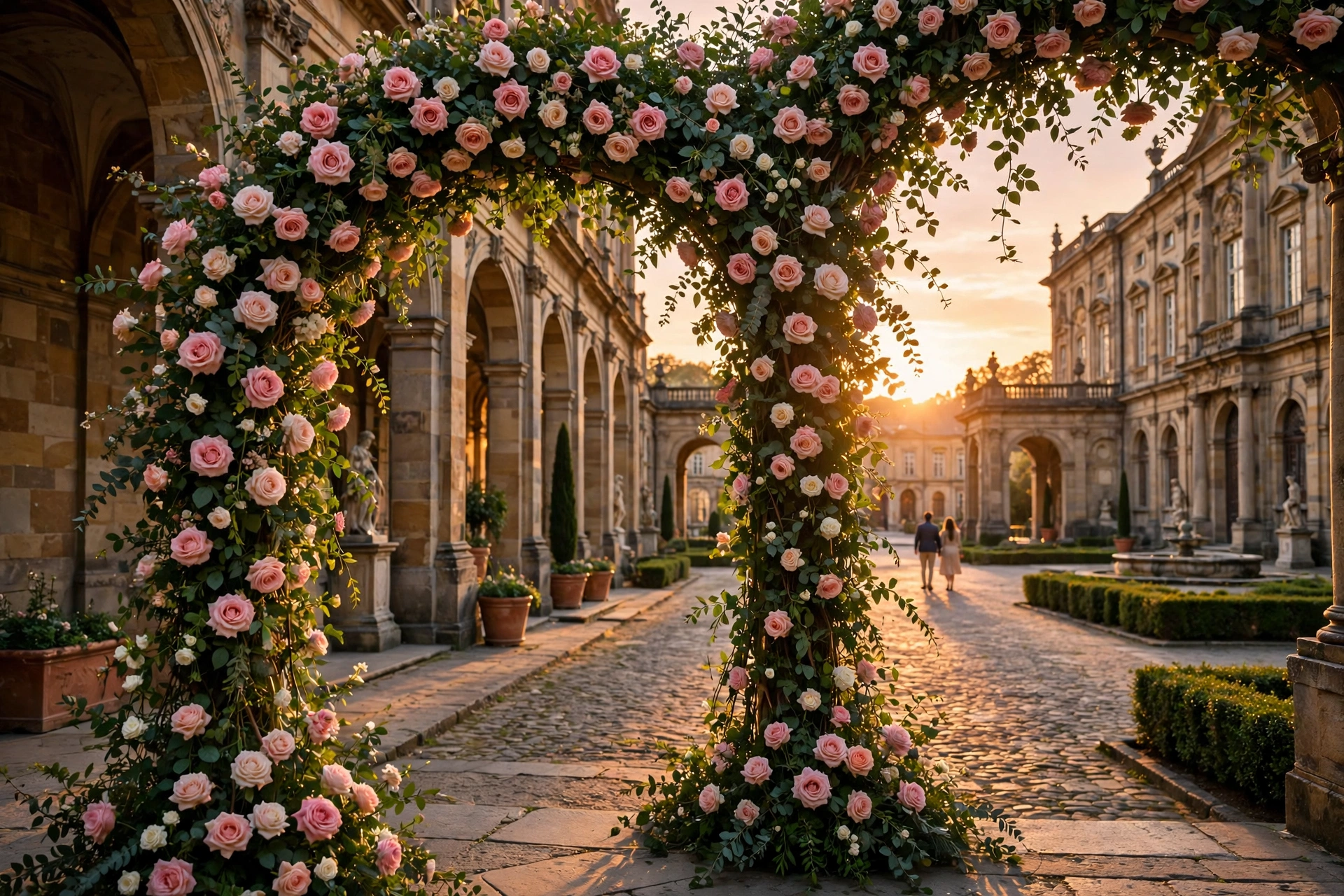
Choose a world for the film and stay inside it. If your wedding is royal and warm, use deep colour, gold light and slow movement. If it is light and modern, use bright airy frames and gentle transitions. Keep costumes, flowers and locations consistent across scenes, so the film feels like one day rather than five different shoots. End on the couple, not on a logo or a graphic.
A cinematic invitation is not a trailer for a wedding. It is the first scene of the wedding itself.
From first scene to shared film
Pick the style that fits your celebration, add your names, dates, venue, and event schedule, and add your photos. Watch the finished film on a phone, with sound on, before anyone else sees it, share it with family first, then send it on WhatsApp in the evening with a short personal line.
Create your cinematic invitation on MyIndiAura, and make the invitation itself the first scene of the wedding.
Six cinematic openings
Push through palace doors
The camera moves through carved doors into a lit courtyard, names appearing as the doors part.
Walk down a marigold aisle
A slow glide between marigold strings toward a mandap, with the date rising at the end.
Drone over the venue
An aerial sweep over a lake palace or beach, settling on the names.
Candlelit table
A close, warm shot of diyas and flowers, pulling back to reveal the card.
Silk falling away
A sheet of silk slides off the frame to reveal the couple's names beneath.
Window at dawn
A jharokha window lit by sunrise, the camera passing through into the celebration.
Building the film
- Choose one visual world, such as a palace, garden or beach, and stay in it.
- Write one line per scene before making anything.
- Keep camera moves slow and smooth, no sudden cuts.
- Hold every text frame for at least two seconds.
Before you share the film
- Names and dates are readable on a small phone
- The film works without sound
- It is under ninety seconds
- The file plays after WhatsApp compresses it
Light, colour and the feeling of film
What separates a cinematic invite from a slideshow is mostly light. Warm golden-hour tones, soft shadows and a little depth of field make even a simple scene feel like a film. Keep colours consistent from scene to scene, so the palace corridor and the mandap belong to the same evening. Avoid flashing transitions and spinning text; a cut or a slow dissolve is enough. Above all, let the camera keep moving gently forward, because that sense of walking into the celebration is what guests remember and replay.
Frequently asked questions
What makes a wedding invitation video cinematic?
Slow, continuous camera movement, one consistent visual world, good light and restrained text.
Do I need real footage?
No. Many cinematic invitations use generated or illustrated scenes that move like film.
How long should a cinematic invitation be?
Forty-five to ninety seconds, with the key details visible in the first half.
Can a cinematic video be edited later?
A video file cannot. A cinematic web invitation, where the film opens into a link, can be updated.
Related reading
See it on a real invite
Open any of these to see the full invite, then add your own names and preview it free.



Found this useful? Share it with someone planning a celebration.
Share