How to Make Wedding Invitations on Your Phone
How to make a wedding invitation on your phone, step by step, from picking a design to sharing it on WhatsApp.

Building on the device you already carry
Making an invitation on your phone means building it in a browser or an app, on the device you already use every day. You pick a design, fill in the names, dates, venue, and events, add photos if you want them, preview it, and share the link. The whole process is designed to work on a small screen, with large previews and simple fields.
Phone made invitations suit Indian weddings well, because you can build them wherever you are, show drafts to family instantly, and fix a spelling error in minutes, without waiting for a designer. The key is to prepare your details before you start, so the build itself stays smooth.
The invitation forms you can build on your phone
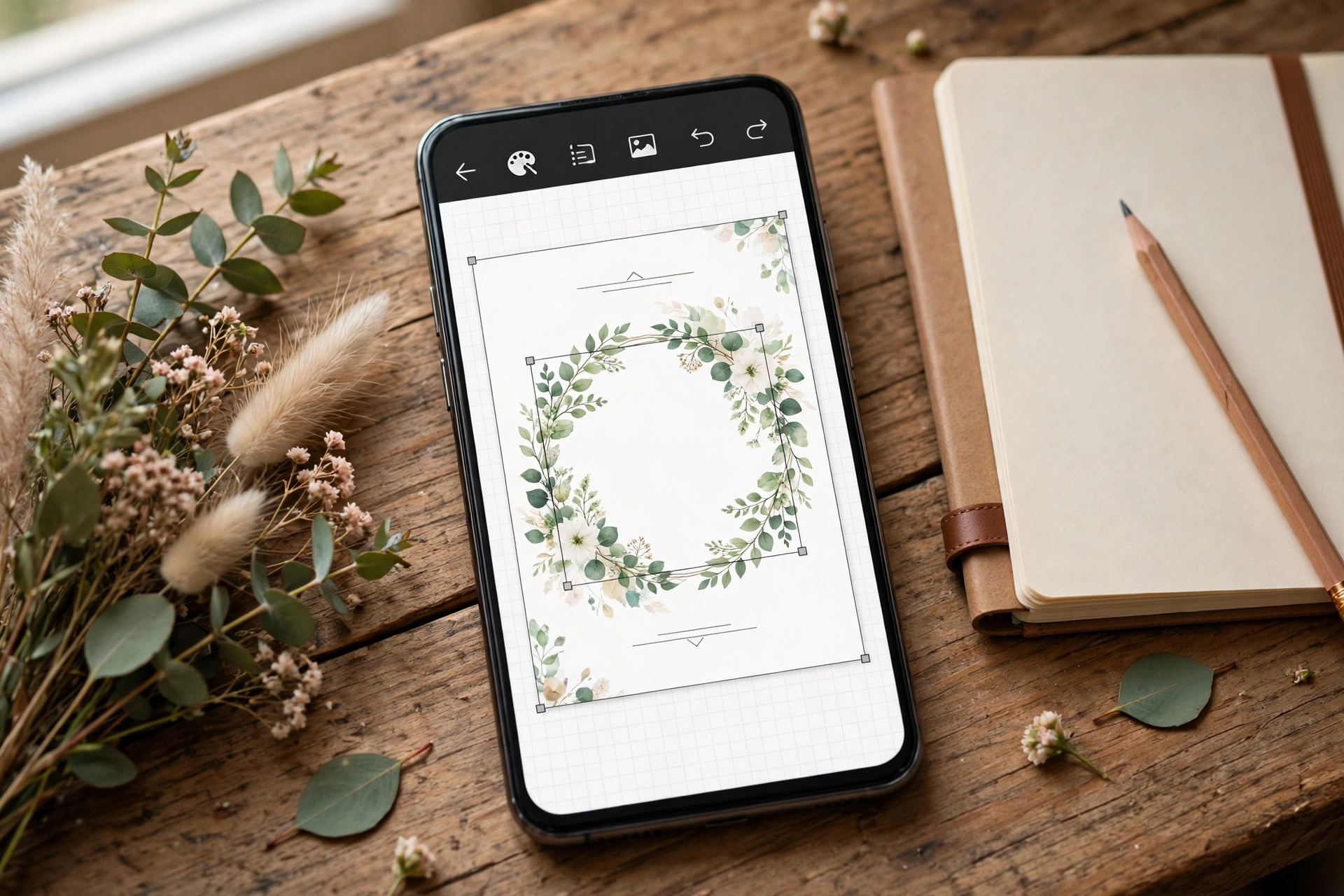
Phone invitations come in the same forms as other digital invitations, built entirely on your phone.
- Invitation Suite on your phone. A complete designed invitation, built and previewed on your phone.
- Invite App on your phone. A fuller invitation with more sections, still built from your phone.
- Cinematic Invite on your phone. A film led invitation, ordered and previewed from your phone.
- Video share from your phone. A shareable video version, made for WhatsApp forwarding.
Building it well on a small screen
Prepare photos on your phone first, picking clear, well lit couple photos, and crop them before you start building.
Preview after every major section, not only at the end. Catching a spelling error early saves rebuilding later.
Ask one family member to open the preview on their own phone before you share it widely, to catch anything your screen hid.
Your phone already holds your photos, your contacts, and your guest list. It can hold your invitation too.
From first draft to shared link
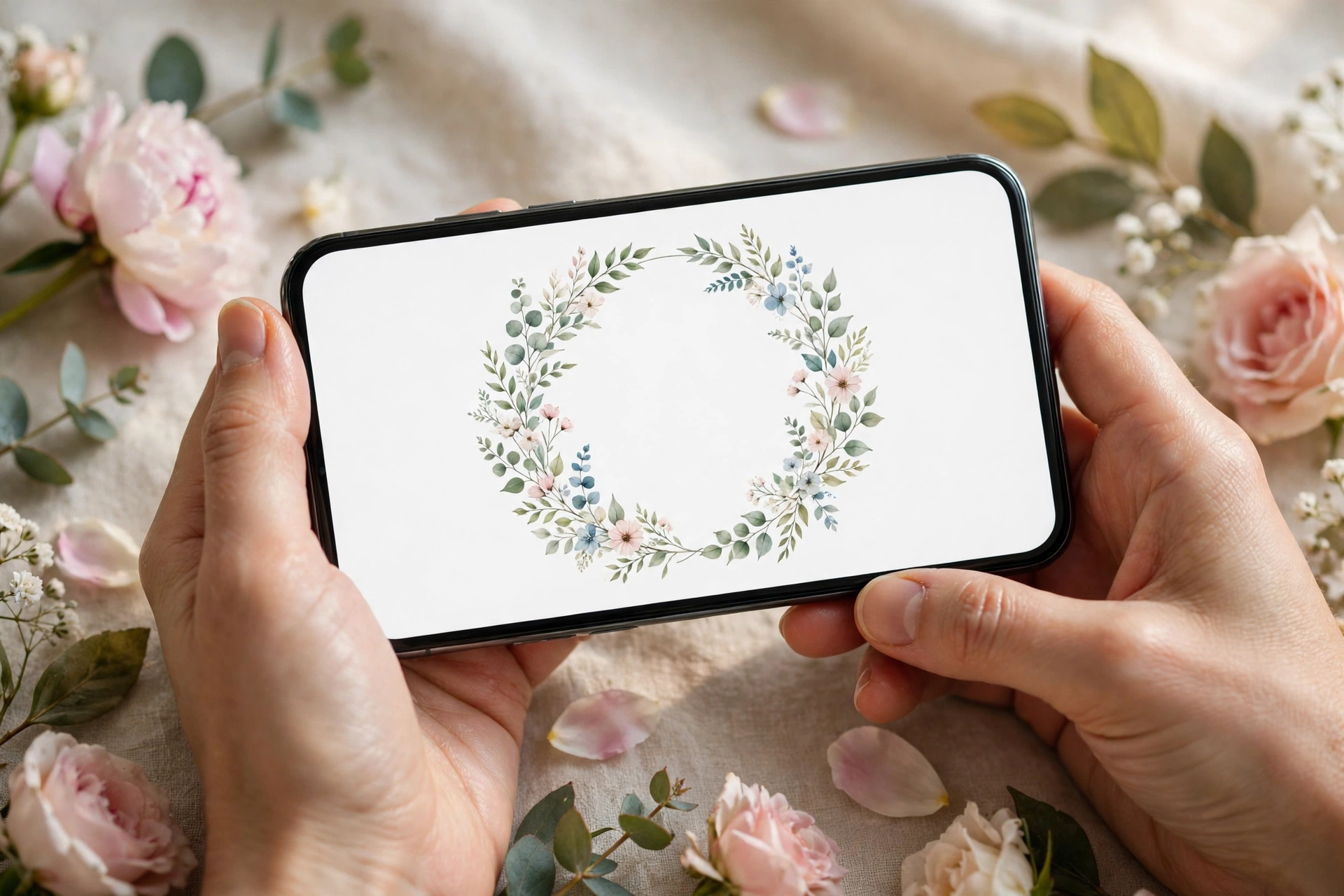
Pick a design, fill in the names, dates, venue, and events, and preview after every major section, not only at the end. Ask one family member to open the preview on their own phone, then choose your option and share the finished link on WhatsApp.
Build it on your phone on MyIndiAura, where the price is the same as on a laptop, and the invitation guests open is the same one you previewed.
Six phone habits that make a better invite
Work in portrait
Guests will read it upright, so design it upright from the start.
Zoom to 100 percent
Check every screen at real size, the way a guest will see it, not zoomed in.
Use real photos, not screenshots
Upload the original photo from your gallery, so it stays sharp.
Type names slowly
Autocorrect loves to change Indian names. Check each one twice.
Save as you go
Most editors save automatically, but confirm it before closing the app.
Test on mobile data
Turn off Wi-Fi and open the link, to feel what a guest in a small town will experience.
A first draft in five steps
- Pick a design that already looks close to what you want.
- Fill in names, the date and the first event.
- Add the other events, each with its own time and venue map.
- Preview the whole invitation from start to finish.
- Share the link with one family member before sending it to everyone.
Before you share
- Every name checked against how the family spells it
- Each venue opens correctly in Google Maps
- Text is readable without zooming
- The link opens on someone else's phone
Keeping the text short
A phone screen holds far fewer words than a printed card. Keep each screen to a heading, the time and the venue, and move longer notes such as dress codes or travel tips to their own section. Guests scroll happily through short screens, but they skip a wall of text, and that is usually where the important details hide.
Frequently asked questions
Can I make a full wedding invitation only on my phone?
Yes. Modern invitation editors are built for phones, and you can finish and share without a laptop.
Will a phone-made invitation look professional?
It will if you start from a well-designed template and keep the text short.
How long does it take?
Most couples finish a first draft in under an hour, then spend a day checking details with family.
Can two people edit the invitation?
Many editors let you share a draft link so the other family can check names before you publish.
Related reading
See it on a real invite
Open any of these to see the full invite, then add your own names and preview it free.



Found this useful? Share it with someone planning a celebration.
Share