How AI Is Changing Digital Wedding Invitations
How AI is changing digital wedding invitations: faster drafts, wording help, art and film generation, and what still needs a careful human check.
The change in one line
AI helps with design ideas, wording drafts, photo selection and personalisation at a scale that was once slow and costly. It works best as a starting point that a human refines, not as a finished invitation on its own. The couples who benefit most use AI for speed and keep human judgement for beauty and meaning.
AI, short for artificial intelligence, means software that learns patterns from many examples and then creates new suggestions. In wedding invitations, it can suggest colour palettes, draft wording, arrange layouts, enhance photos, and adapt one design for many guests. It cannot know your family, your story or your taste, so its suggestions are starting points. The change is real but practical, not magical. Work that once took days of back and forth can now be drafted in minutes, leaving more time for the choices that actually matter.
Where AI actually helps
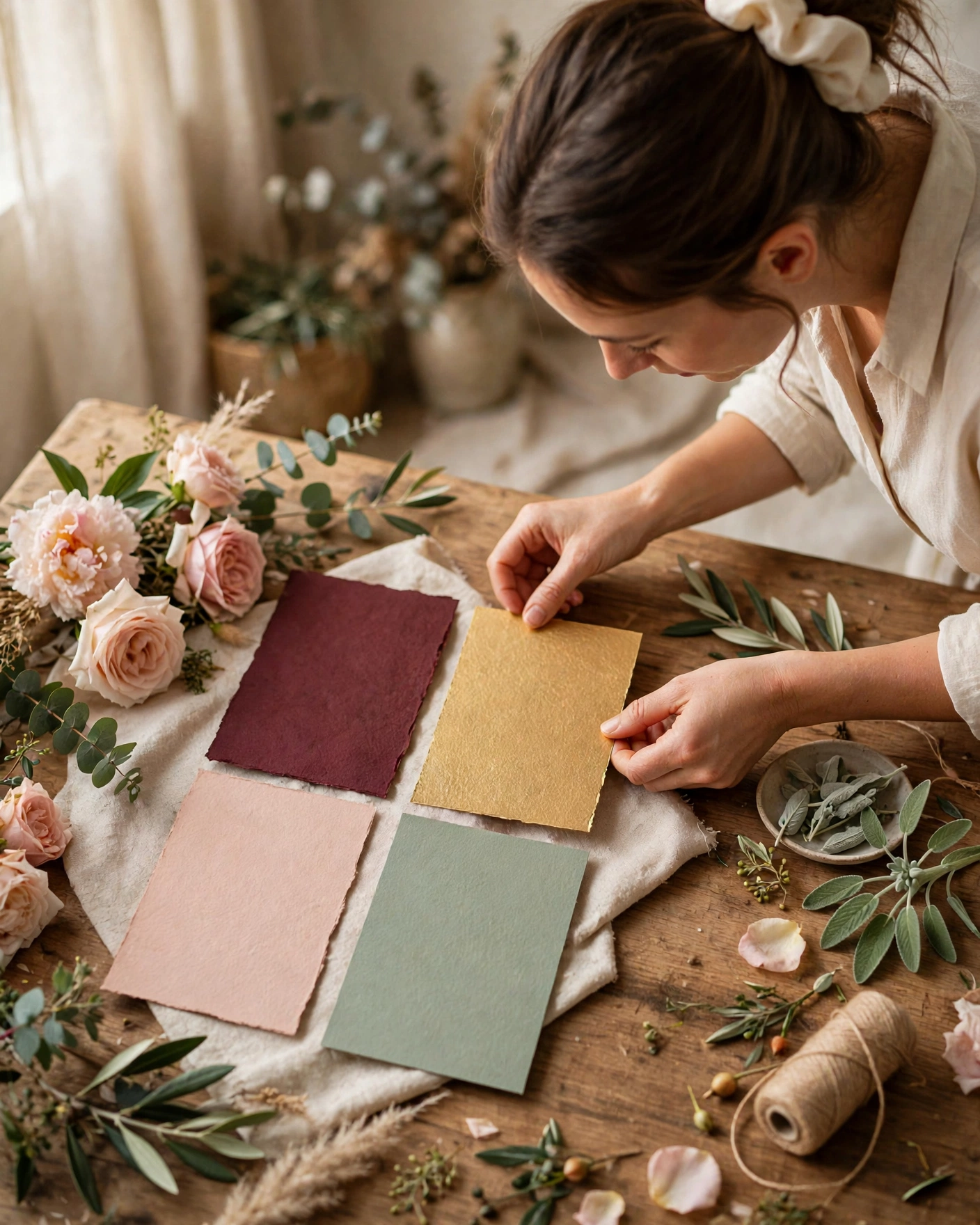
- Design suggestions, with palettes and layouts matched to your wedding mood.
- Wording drafts you can rewrite in your own voice, rather than starting from a blank page.
- Photo enhancement and selection help, so your best pictures stand out.
- Personalisation at scale, so each guest can receive a version with their name and details.
AI help appears in a few forms. A design assistant suggests styles and arrangements. A wording assistant drafts welcome lines and event descriptions. A photo assistant picks sharp, well lit pictures and improves them gently. A personalisation assistant adapts names, languages and event lists for different guest groups. Use the forms that save you time, and skip any that push your invitation toward a generic look. If every AI suggestion looks the same, your own choices are missing.
Briefing it like a junior designer
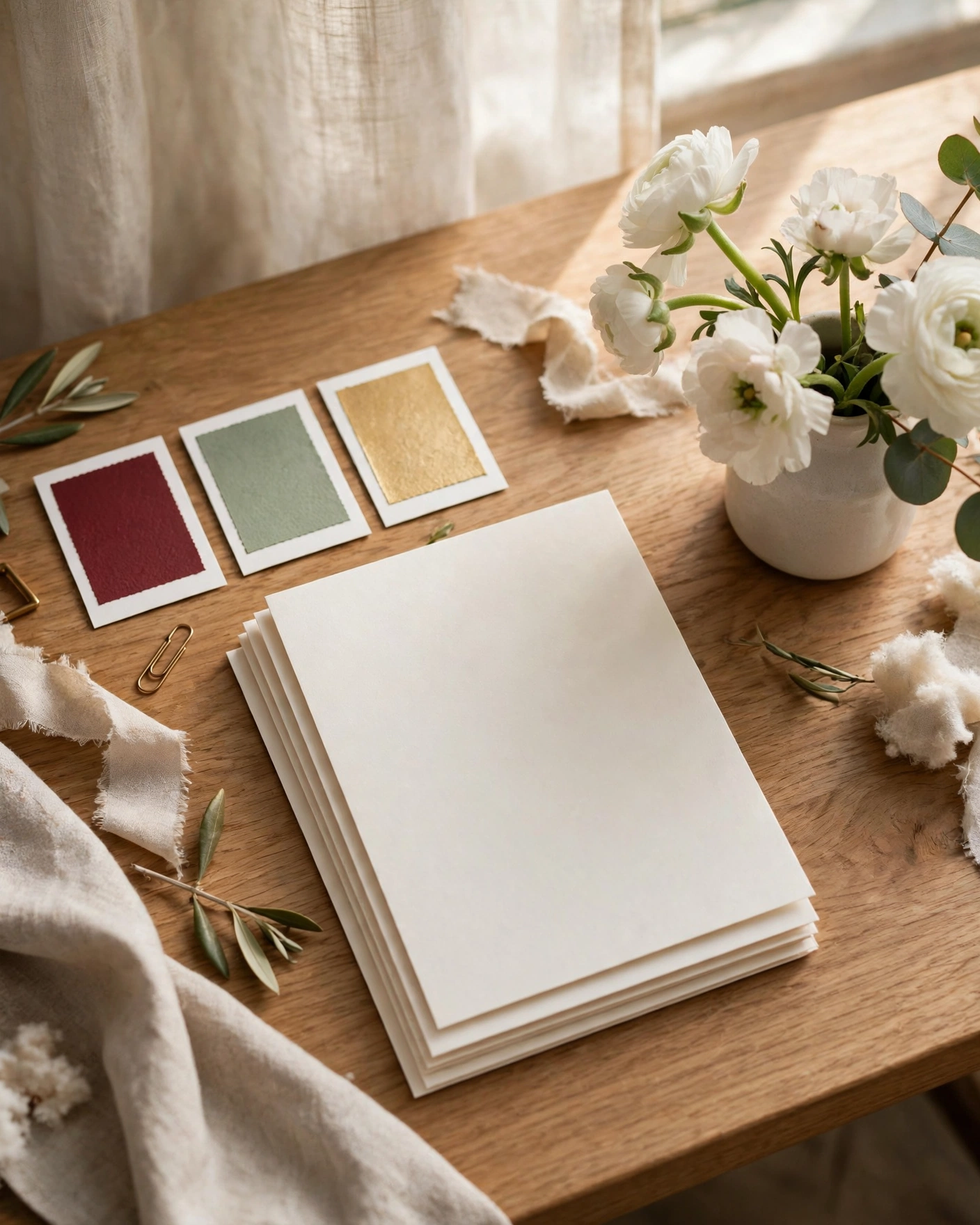
Use AI the way you would use a talented junior designer. Give it a clear brief, your palette, your mood, your story, and then judge its work firmly. Keep anything that feels like you, and discard anything that feels like everyone. What you need before you start: a clear brief in a few lines, your best photos chosen by you first, final names, dates and venues checked by family, and time to review AI drafts properly, not accept the first result.
Let AI do the drafting. Keep the deciding for yourself.
Checking what it gets wrong
Never let AI invent family details, dates or traditions it does not know. Check names, spellings and cultural details yourself, because AI can be confidently wrong about exactly those things. Finish the invitation fully before sharing, send to family first and check names and cultural details carefully, and if a guest spots an error, correct it once and reshare cleanly. Check every detail on a phone screen before you share it.
Create your invitation on MyIndiAura, using AI drafts where they save time and your own judgement where it matters, and share a finished invitation you are proud of.
Six things AI now does well
Drafting wording
It can suggest invitation lines in English, Hindi or Hinglish in seconds.
Translating
A draft in English can become a first version in Marathi or Tamil, ready for a family member to check.
Generating artwork
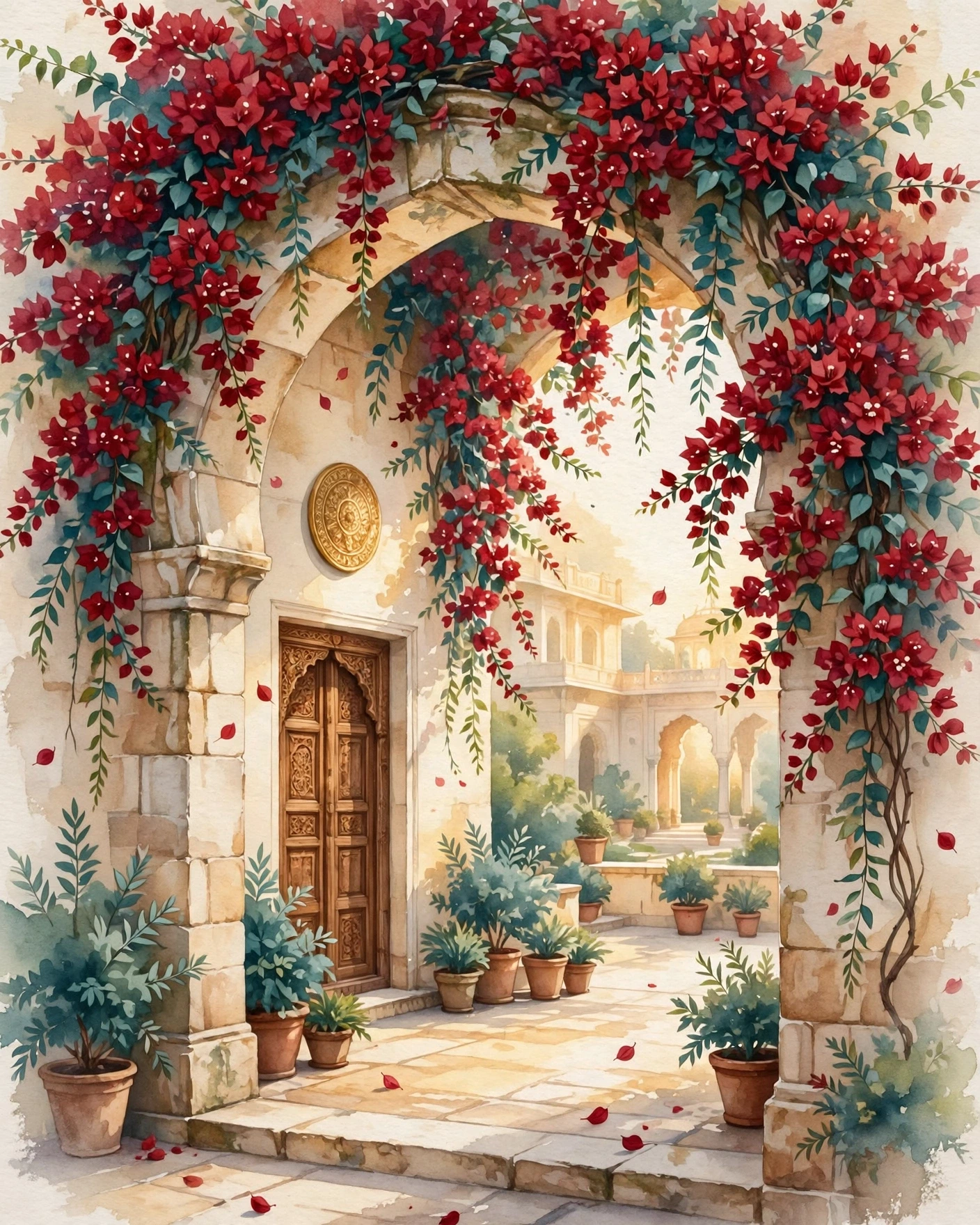
Palaces, gardens and flowers can be created to match a theme, without stock photos.
Animating scenes
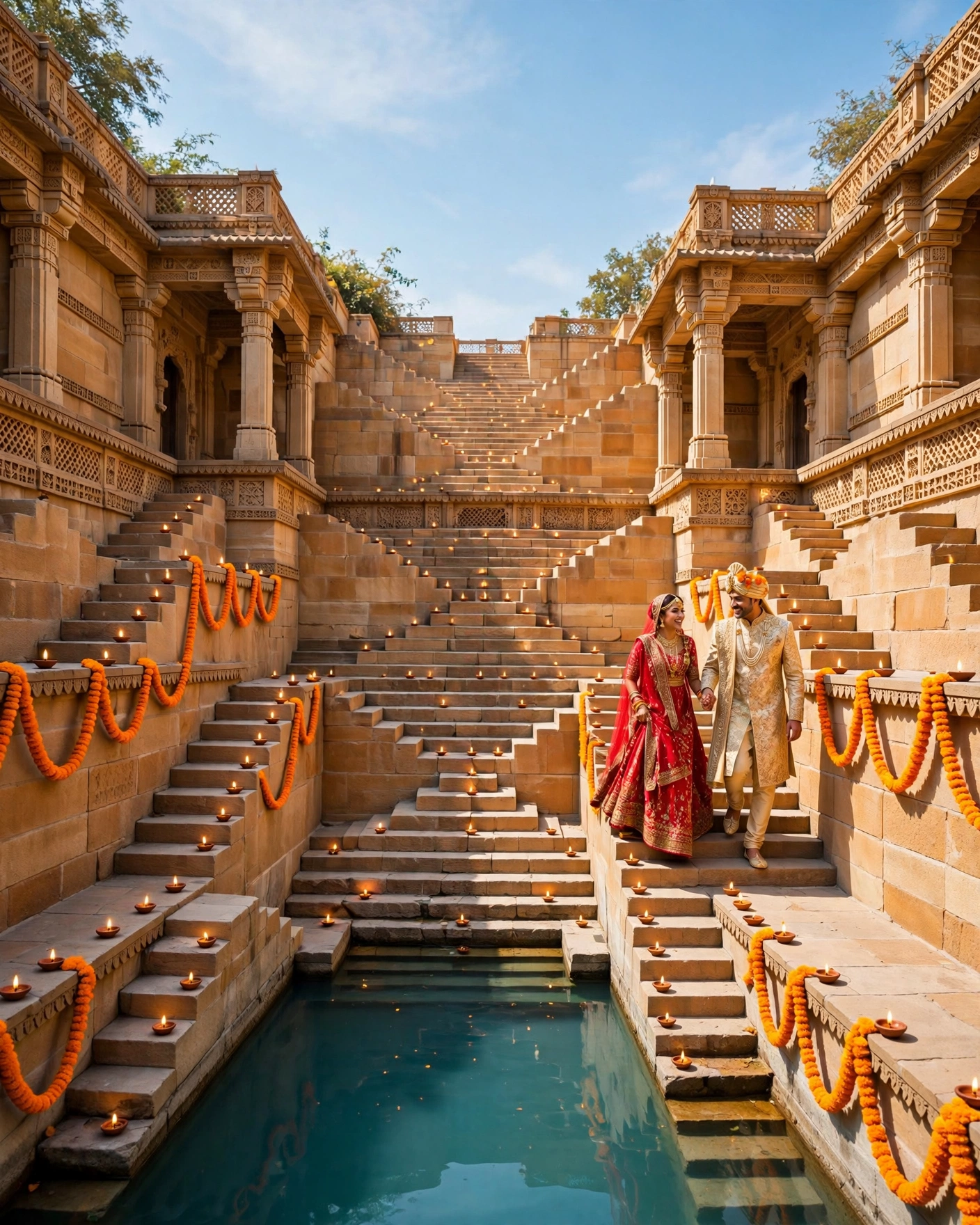
Still images can become short moving scenes for a cinematic opening.
Suggesting palettes
It can propose colour combinations that suit a season or venue.
Checking consistency
It can flag dates that do not match or names spelt two ways.
Using AI sensibly
- Use it for first drafts, never for final text without a human read.
- Ask a family member to check every translation.
- Make sure generated people and places look natural, with no odd hands or signs.
- Keep the couple's real names and dates typed by a person.
Before you share an AI-assisted invite
- Every name and date checked by a person
- Translations read by a native speaker
- No strange details in generated images
- The tone sounds like your family, not a template
AI has made beautiful invitations faster and cheaper, but the parts guests care about most are still human: the right names, the right blessing, and the warmth of a personal message sent with the link.
Frequently asked questions
Can AI make my wedding invitation?
It can help with wording, artwork and animation, but a person should check and finish it.
Are AI-generated invitations good quality?
They can be excellent, if the result is reviewed carefully for mistakes.
Is AI translation reliable for Indian languages?
It is a good start, but always ask a fluent family member to correct it.
Will guests know AI was used?
Usually not, if the design is polished and the words sound like the family.
Related reading
See it on a real invite
Open any of these to see the full invite, then add your own names and preview it free.

Found this useful? Share it with someone planning a celebration.
Share