How to Personalise Digital Invitations with Names and Dates
How to personalise digital invitations with names and dates: spellings, guest names on the opening, date formats, Hindi names and checking with both families.
The details guests check twice
Personalising a digital invitation means making it yours in the details that matter. The couple names, the parents names, the event names, the dates, the venues, and the words of welcome. A beautiful design with a wrong date is a failed invitation. A simple design with every detail correct feels thoughtful and trustworthy. Personalisation also means tone. A formal family may want full names and traditional wording. A close circle of friends may want warmth and humour. The invitation should sound like the people sending it.
Light or deep personalisation
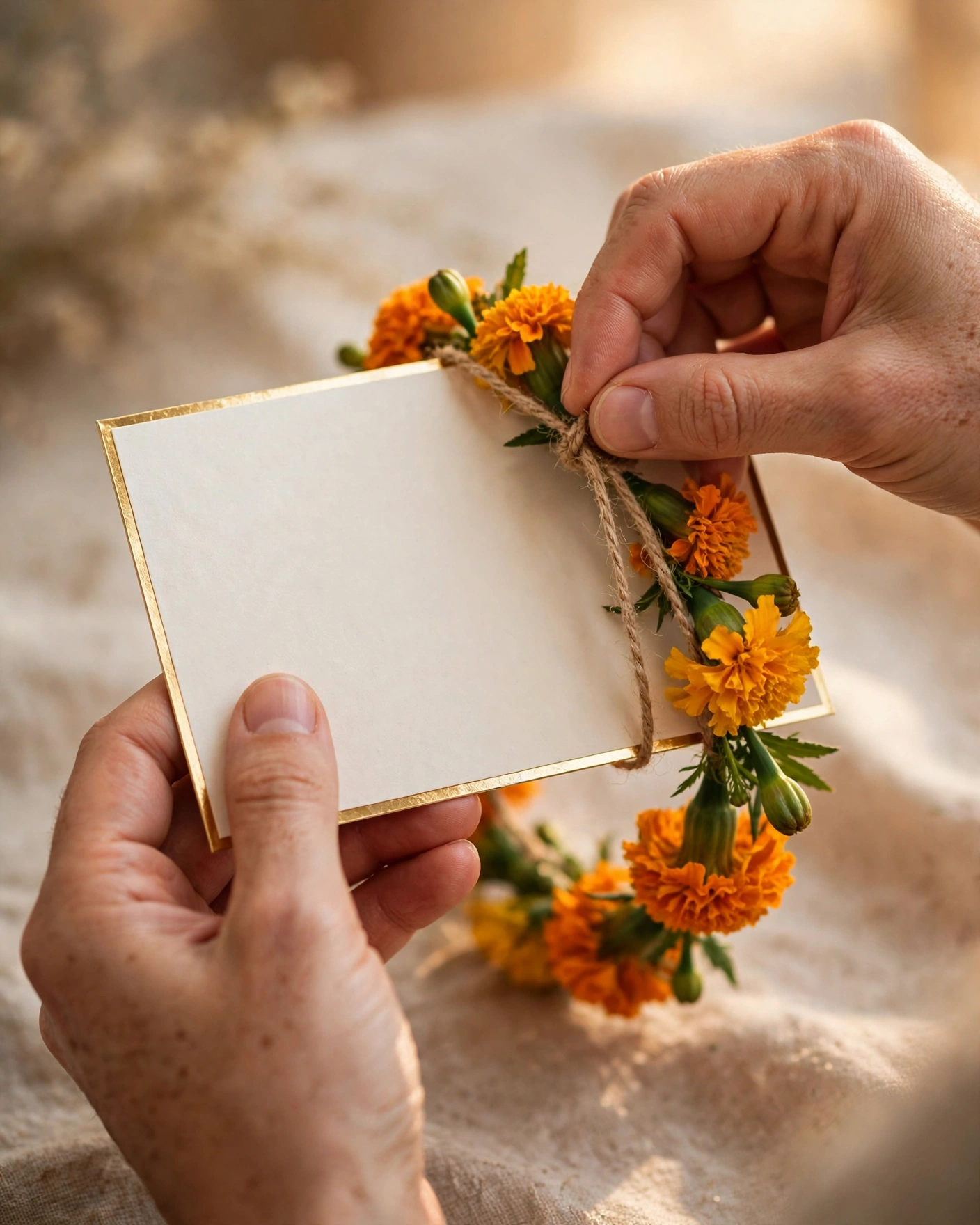
Personalisation has levels. Light personalisation changes names, dates and photos inside a ready design, and suits a tight timeline. Deep personalisation changes colours, wording, music and the order of events, and suits couples who want the invitation to feel fully theirs. A family edition can carry formal wording for elders, while a friends edition can be warmer and shorter. If you make two editions, keep the dates and venues identical in both, or confusion follows.
Names and dates that read clearly
Let the design carry the names, not compete with them. Use a clear, readable style for names and dates, even if decorative lettering appears elsewhere. Put the couple names largest, the wedding date next, and the venue where it cannot be missed. Avoid nicknames unless the whole guest list knows them. When two families have different customs for name order, ask both, and agree before the design is finished.
Guests may forget the design. They never forget whether their name was spelled right.
Checking with both families before sharing
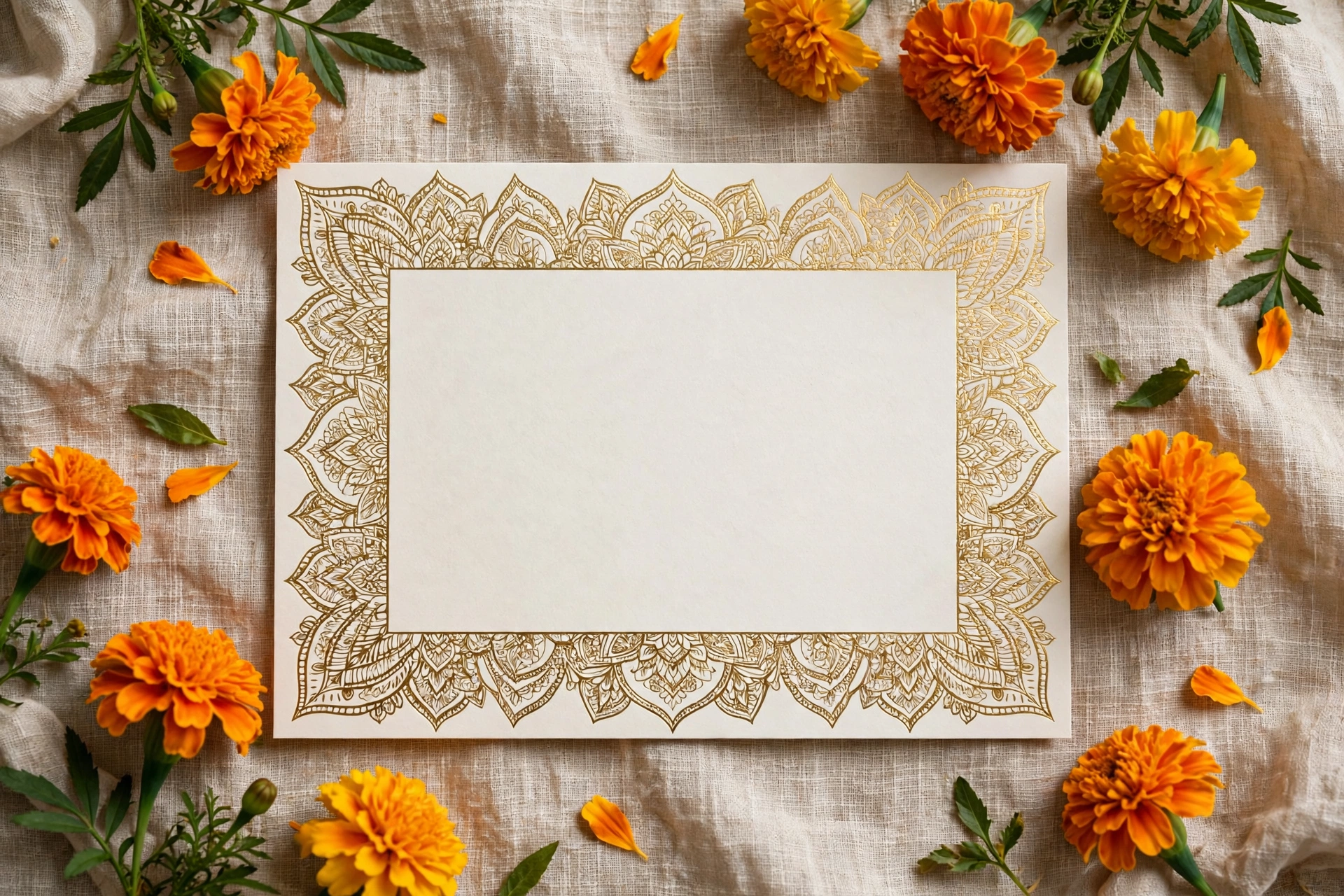
Check the invitation with both families before any wide sharing, send to parents first, then close family, then the full list. If a correction is needed, fix it once and reshare with a short apology, and keep one final version only, so old versions stop circulating.
Personalise your invitation on MyIndiAura with the names, dates, and wording your families agreed, and check every spelling against the guest list.
Six ways to make it personal
Guest's name on the opening
"Dear Sharma family" on the first screen makes each guest feel personally invited.
Both scripts for names
The couple's names in English and Devanagari, or the family's regional script.
Dates with the day
"Saturday, 14 February" is easier to remember than a number alone.
Event-specific notes
A line for each function, such as dress code or food, written in the family's own voice.
Family names in order
The way elders expect them, usually with the hosts' names first.
A personal photo
One meaningful photo of the couple, or of the family together.
Getting names and dates right
- Collect spellings from each family in writing, not by phone.
- Use one date format throughout, with the day of the week.
- Check that times are in the right time zone for guests abroad.
- Ask one person from each side to sign off before sharing.
Before you send
- Every name matches what the family sent in writing
- Dates include the weekday
- Guest names on openings are spelt correctly
- Both families have approved the final version
The details families argue about
Names cause more last-minute changes than anything else. One side writes "Sharma ji", the other wants full names with initials; one grandparent prefers "Late Shri" before a departed elder's name, another does not. Settle these in a shared note before any design is made. Agree whether titles such as Dr. or Smt. are used, whether the couple's names appear with or without surnames, and which family is mentioned first. When those decisions are written down, the design goes quickly and nobody feels left out.
A final read aloud helps: say every name out loud, slowly, and errors you missed on screen become obvious.
Frequently asked questions
Can each guest see their own name on the invitation?
Yes, many digital invitations let you add the guest's name to the link so it appears on the opening.
How should dates be written on Indian invitations?
Day, date and month, such as Saturday, 14 February 2027, with times in a.m. or p.m.
Should names be in Hindi or English?
Both, if the guest list spans generations. Elders appreciate Hindi; younger guests read English.
What if a name is wrong after sending?
A digital link can be corrected and the update shows the next time guests open it.
Related reading
See it on a real invite
Open any of these to see the full invite, then add your own names and preview it free.


Found this useful? Share it with someone planning a celebration.
Share