Unique Engagement Announcement Ideas for Instagram
Fourteen ways to announce your engagement on Instagram, from ring photographs to reels, with captions you can copy.
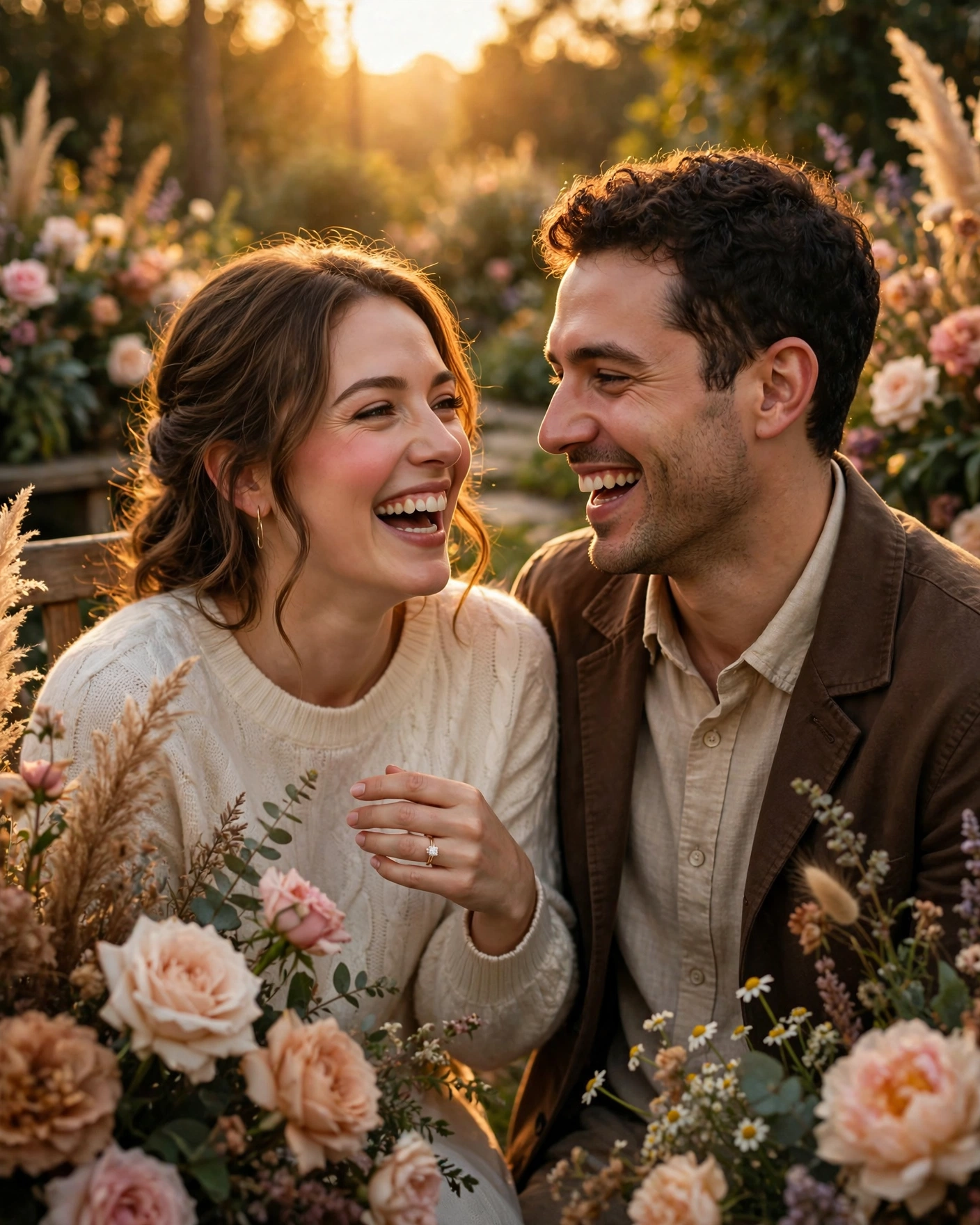
Reveal it in the first second, then let the moment breathe
An engagement announcement on Instagram has one job: make someone stop scrolling, understand the news, and feel happy for you, all in about two seconds. The ring, the faces, or the words must do the work before anyone reads the caption. Everything else, the caption, the music, the hashtags, is a bonus.
The order matters more than the production. Tell your parents, your siblings, and your closest friends first, in person or on a call, before anything goes online. Nobody should learn about an engagement from a post, and a relative who does will remember it longer than the post itself.
The twelve ideas below are grouped into three kinds: still photographs, moving pictures, and words. Pick the kind that suits how you actually are as a couple, because a quiet couple forcing a loud reel looks uncomfortable, and a loud couple posting a silent photo wastes their best energy.
Still photographs that say it at a glance
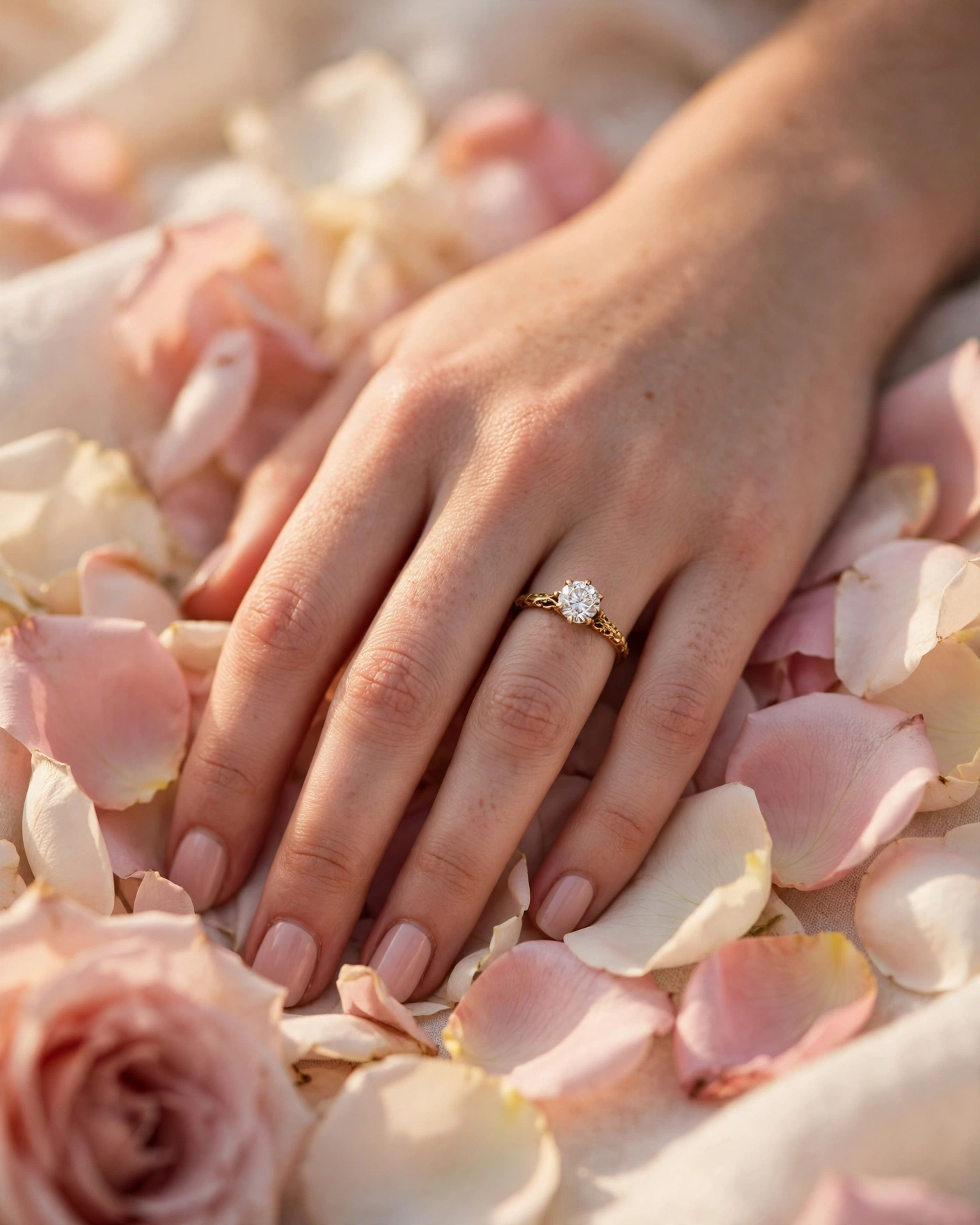
The ring over rose petals
Two hands, one ring, a bed of rose petals, and soft daylight. This is the most shared engagement photograph for a reason: it needs no explanation and no caption. Shoot it near a window in the morning, with the ring in focus and the hands slightly soft.
The hands together, rings touching
Both hands side by side, the new ring catching the light, the other hand resting over it. This suits couples who want the photograph to feel intimate rather than staged. Take it at home, on a plain cloth, with no props at all.
The invitation card as the reveal
A cream card tied with gold ribbon, the couple's names and the date visible, resting on rose petals or a silk cloth. This suits couples who have already designed their invitation, because the announcement and the invitation share one look.
The childhood photograph, then and now
Two childhood photographs side by side, then one photograph of the couple now, with the ring visible. This suits couples whose families have known each other for years, because the older relatives will love it most. Scan the old photographs properly rather than photographing a photograph, because a scan stays sharp on a phone screen.
Reels and videos that tell the story
The proposal, filmed simply
One steady shot of the proposal, filmed by a friend who knows to keep quiet and keep filming. The best proposal reels are unedited: the question, the pause, the answer, and the hug. This suits couples whose proposal was a real moment rather than a planned shoot.
The ring box opening
A close shot of the ring box opening, the ring catching the light, and the couple's hands coming into frame. This suits couples who want a short, elegant reel without showing their faces.
The day in fifteen seconds
Morning chai, the ring, the family, the celebration, cut to music the couple loves. This suits couples who had a family celebration and want to share the feeling of the day rather than one photograph. Use clips of two or three seconds each, and let the music do the work.
The invitation teaser
A short video of the invitation opening, the couple's names appearing, and the date revealed at the end. This suits couples whose invitation is a video or a cinematic invite, because the announcement and the invitation become one piece. Keep the date on screen for a full two seconds at the end, because viewers need time to read it.

Words, captions, and carousels
The one-line announcement
A single photograph and one plain line: "She said yes." or "Engaged, and very happy." Short captions get read, long ones get skipped, and the news itself is the whole point. This suits couples who want the announcement to be the news, not the writing.
The carousel of the day
Five or six photographs in order: the ring, the family, the celebration, the couple, and the invitation. A carousel suits couples who have good photographs from a real celebration, because each slide gives a different guest something to like. Put the ring photograph first, because that is the slide everyone sees.
The handwritten note
A photograph of a handwritten note, the couple's names and the date in ink, on a plain background. This suits couples who want the announcement to feel personal and old-fashioned, and it stands out precisely because almost nobody writes by hand any more.
The family celebration photograph
One photograph of both families together, smiling, with the couple in the centre and the ring visible. This suits engagements where the families met and celebrated together, because the photograph honours both sides.

Captions you can copy
- She said yes. [Date], with our families beside us.
- Engaged to my favourite person. The wedding is [date], and we cannot wait.
- Two families, one story, and a ring that fits perfectly.
- We are engaged. Thank you for every blessing, every call, and every message.
- The easiest yes of my life. Wedding details to follow soon.
Keep the caption in your own voice. If you never write long captions, do not start now. One honest line beats three borrowed ones, and your friends can tell the difference.
Making it work on a small phone screen
Test the post on your own phone before you publish it. Open the photograph at the size Instagram shows it, and check that the ring, the faces, or the words are visible without zooming. If the important part is small in the frame, crop tighter and repost the draft.
Post at a time when your people are actually awake and scrolling, usually early evening. A post published at three in the morning waits twelve hours for its audience, and by then the moment has cooled. Avoid posting during a big festival or a cricket final, because your announcement will compete with everyone's feed.
Before you post
- Parents, siblings, and closest friends have been told in person or on a call
- Every relative visible in the photographs is happy to appear online
- The ring, the names, and the date are clear at phone-screen size
- The caption is in your own voice, and the date is in it
- The post time is an evening hour when your people are scrolling
Frequently asked questions
When should we post the engagement announcement?
After the families have been told, and ideally the same evening as the ring ceremony or the proposal. A post that comes days later feels like old news, while a post that comes before the families know feels careless.
Should we show the ring in the announcement?
Yes, if you are comfortable with it. The ring is the symbol everyone looks for, and a photograph without it leaves people guessing.
How long should the caption be?
One or two lines is enough. The news is the point, and most people read the caption after they have already understood the photograph. Add the date, thank people for their blessings, and stop there.
Is a reel better than a photograph for an engagement announcement?
It depends on the couple. A photograph is better for a quiet, elegant announcement, because it is seen in one second and shared easily. A reel is better when the proposal or the celebration was a moment worth watching.
Can we announce on Instagram before sending the invitations?
Yes, and most couples do. The announcement is for the news, the invitation is for the details. Post the announcement, then send the invitations in the following weeks, with the date, the venue, and the family details. Guests who saw the post will recognise the invitation at once.
Related reading
Announce it the way you actually felt it: plainly, happily, and with the people who matter told first. The post is a moment. The families are the story.
See it on a real invite
Open any of these to see the full invite, then add your own names and preview it free.



Found this useful? Share it with someone planning a celebration.
Share